Tutorial
Uploading Documents
Upload files to your organization's knowledge base for context-aware AI queries.
1
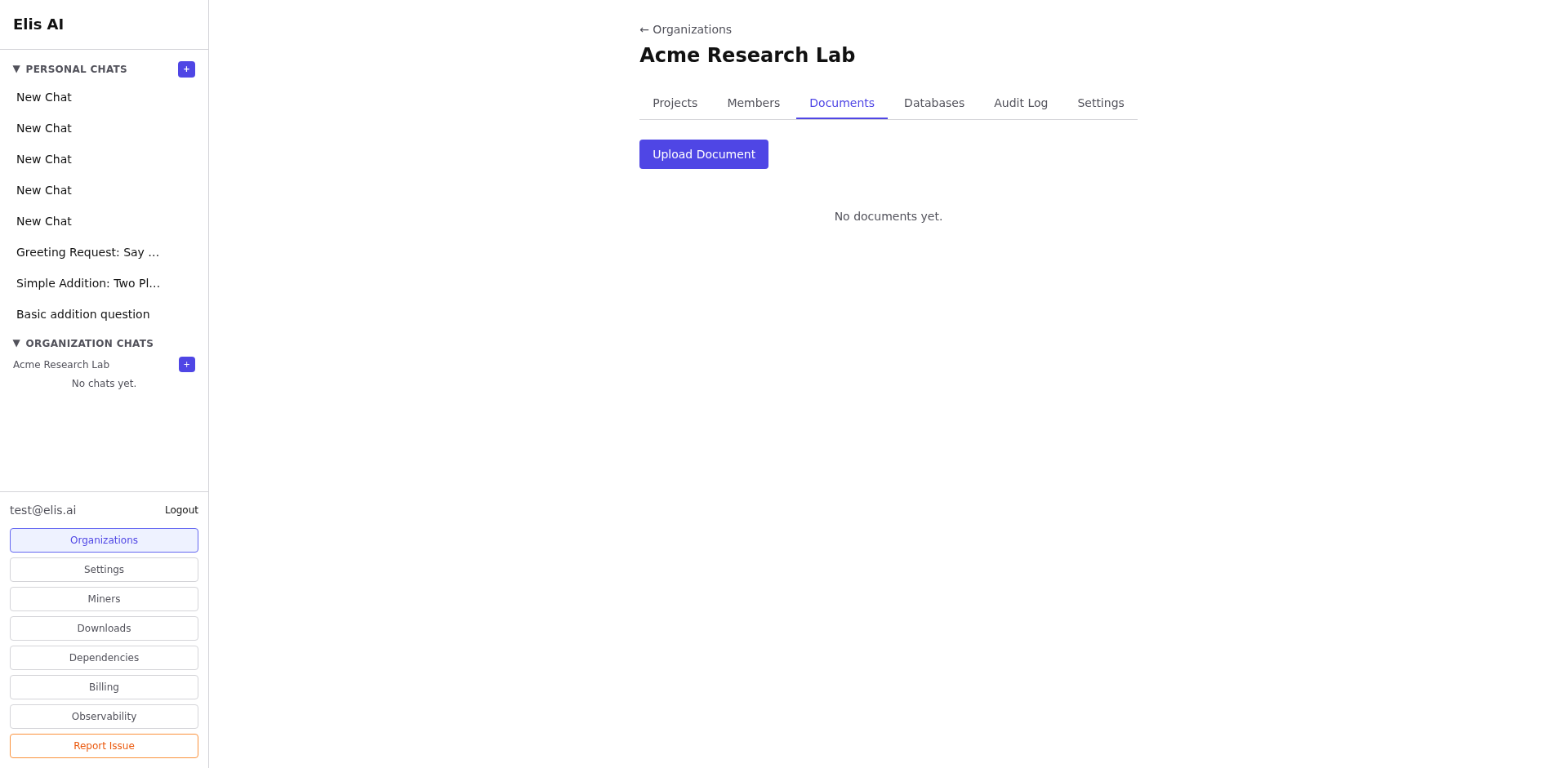
Open the Documents tab
Navigate to your organization and select the Documents tab.
2
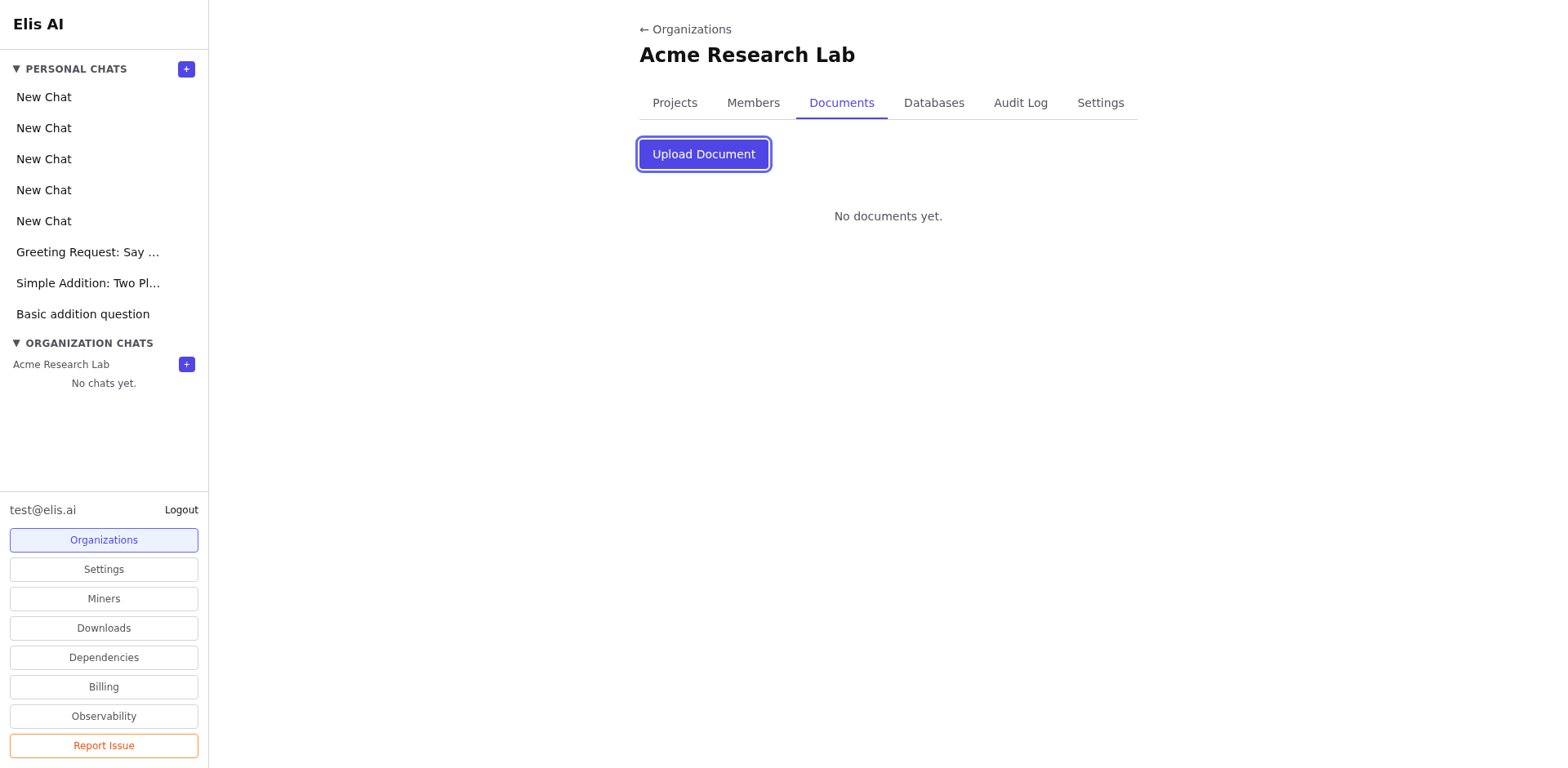
Upload a file
Click Upload Document. Select a file from your computer — supported formats include PDF, TXT, CSV, and more.
3
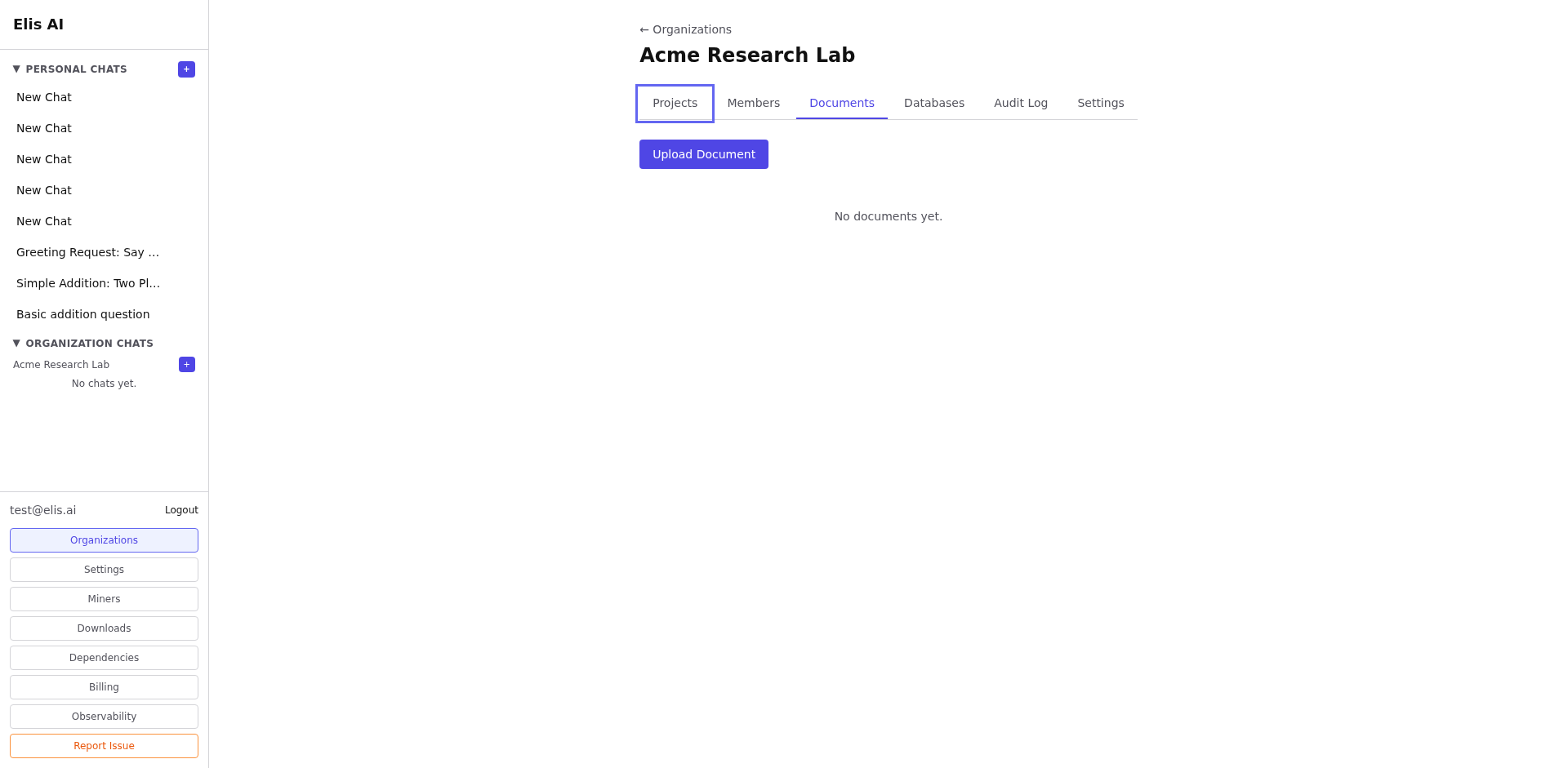
Link to a project (optional)
After uploading, you can link the document to a specific project so conversations in that project context automatically reference it.
4
Verify the upload
The file now appears in the documents list. The AI will use its contents when answering questions within this organization.
Tip:Documents are scoped to the organization. Members with access to the org will benefit from the uploaded knowledge.