Tutorial
Creating & Managing Projects
Organize work into projects with linked documents and team members.
1
Navigate to Projects
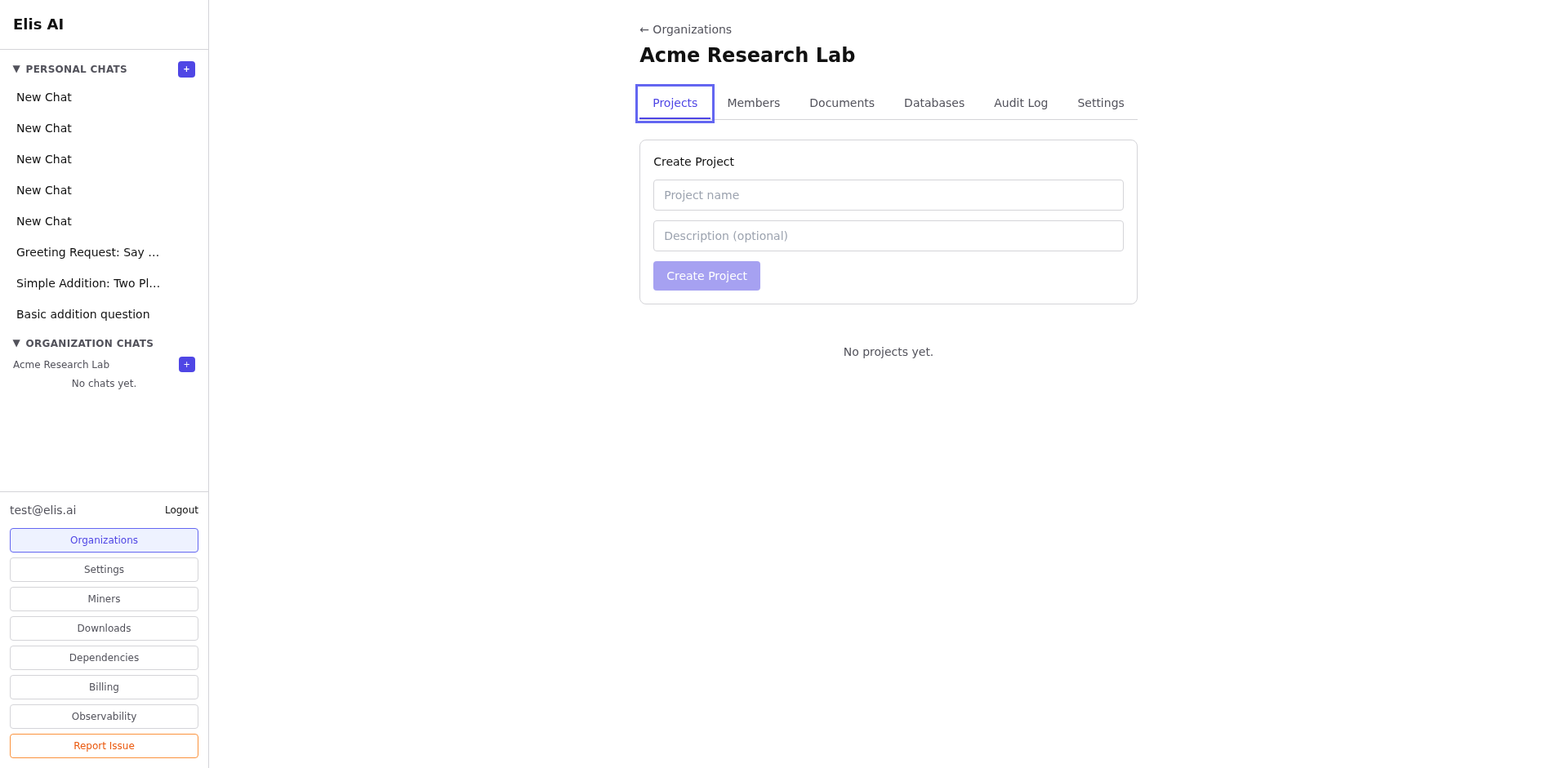
From your organization dashboard, select the Projects tab to view existing projects or create a new one.
2
Create a project
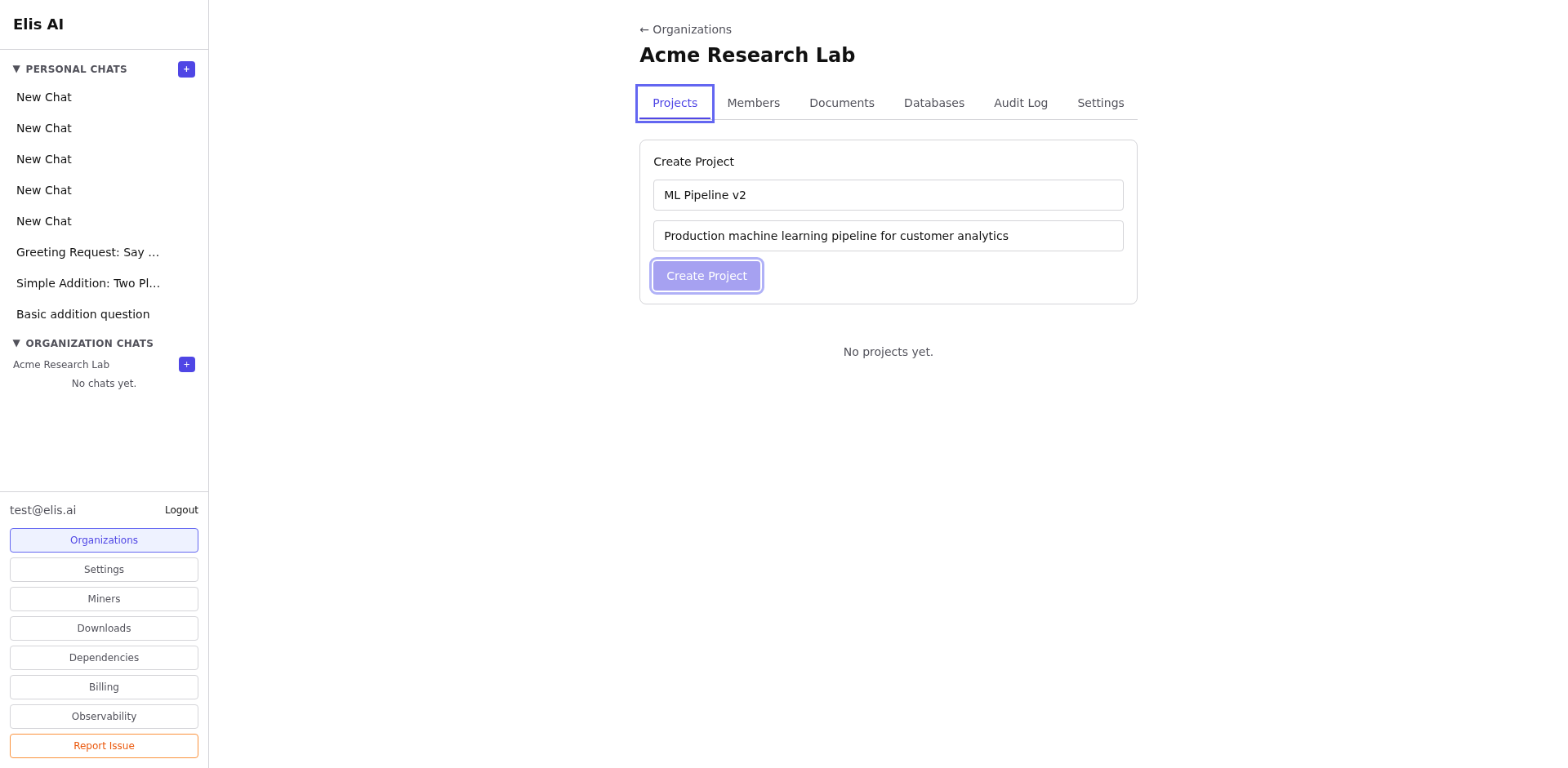
Click New Project. Enter a name and optional description. Choose which documents and databases to link.
3
Add members
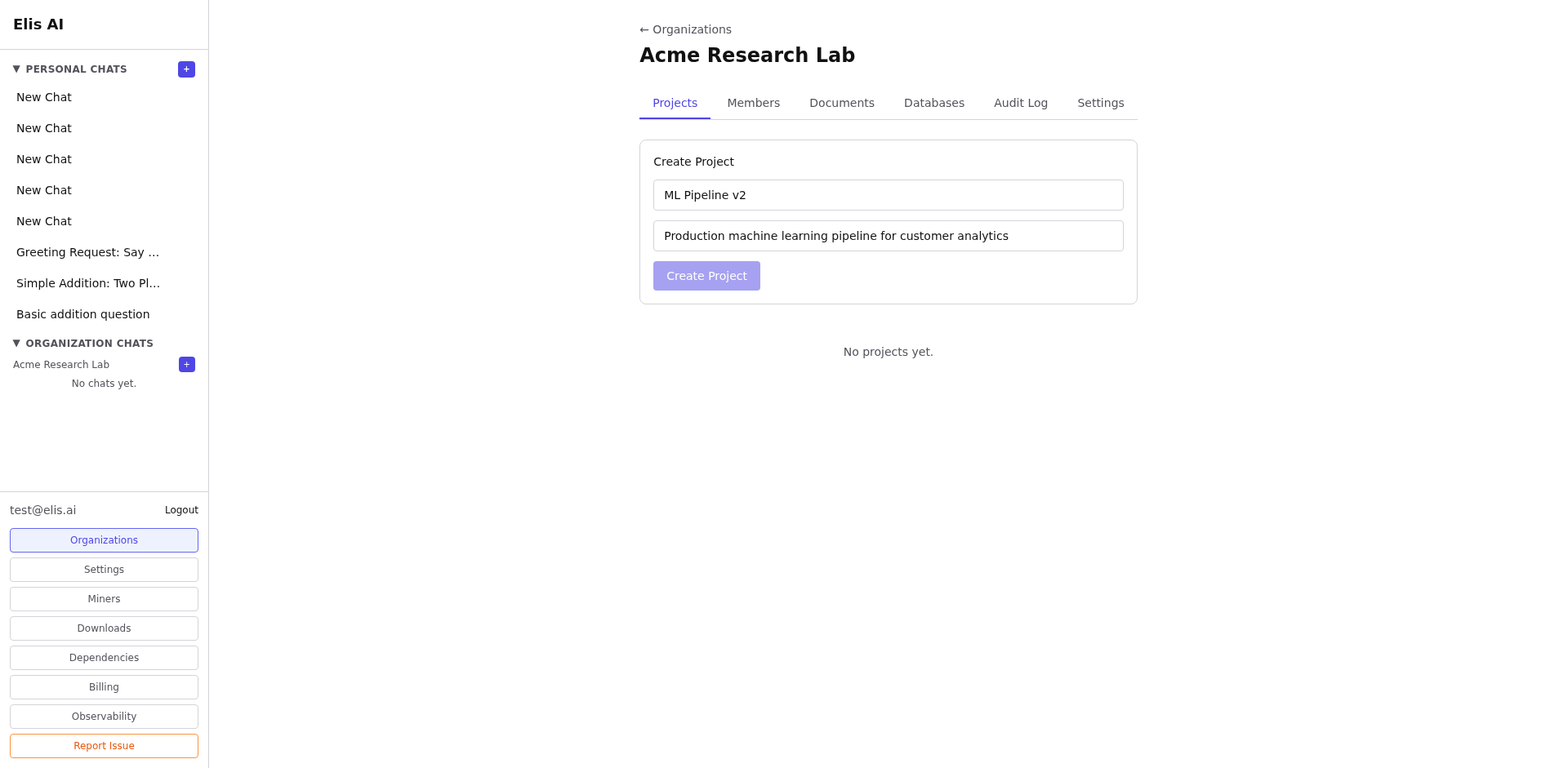
In the project settings, add org members who should have access. Project-level access can be more restrictive than org-level.
4
Link resources
Attach documents and databases to the project. When you start a conversation within the project, the AI automatically has access to these resources.
Tip:Projects are great for scoping conversations. A "Sales Q4" project might link only the relevant docs and CRM database, keeping responses focused.