Tutorial
Viewing the Audit Log
Review all activity within your organization.
1
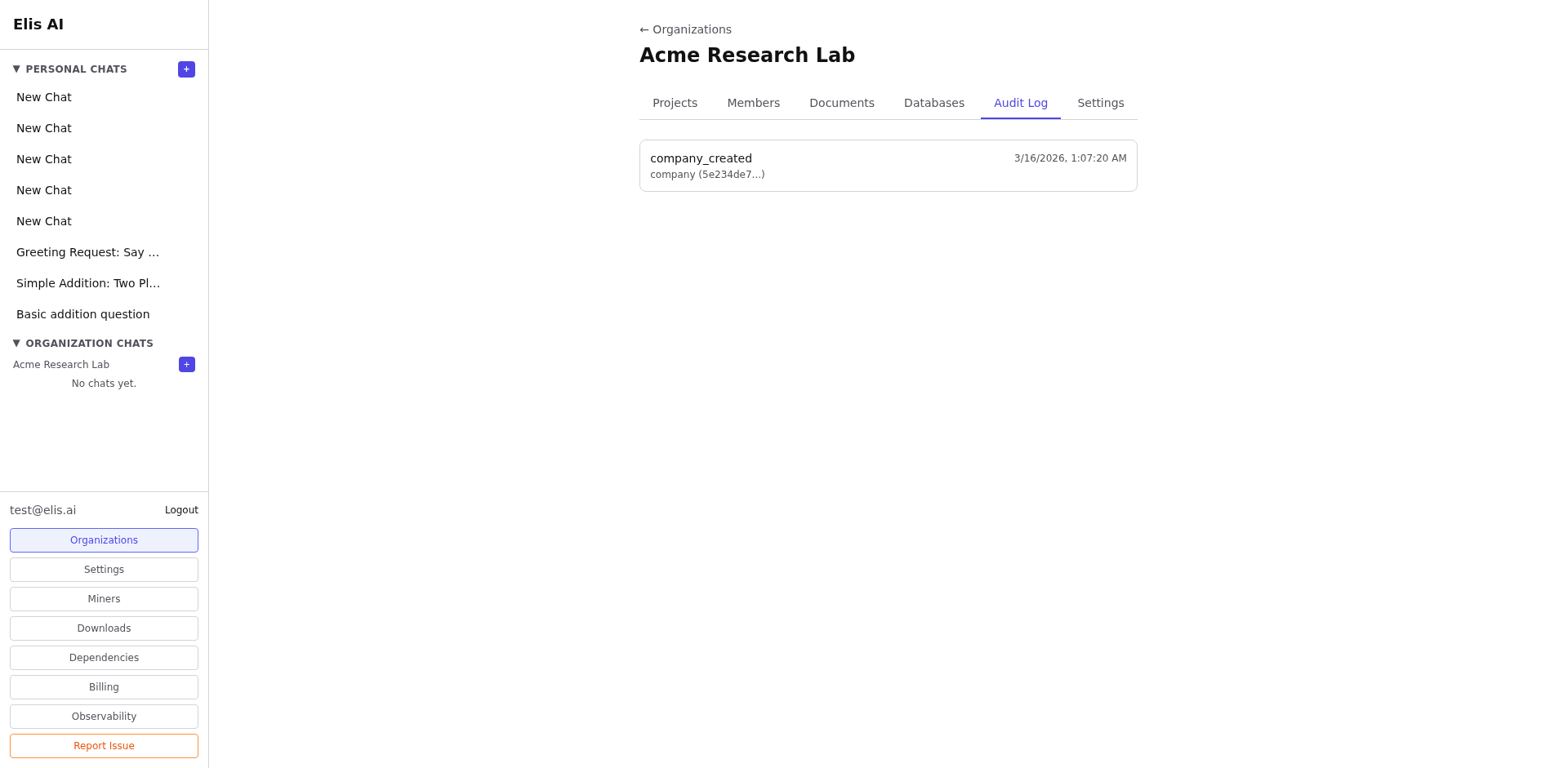
Open the Audit Log tab
Navigate to your organization and select the Audit Log tab. This is available to admins and owners.
2
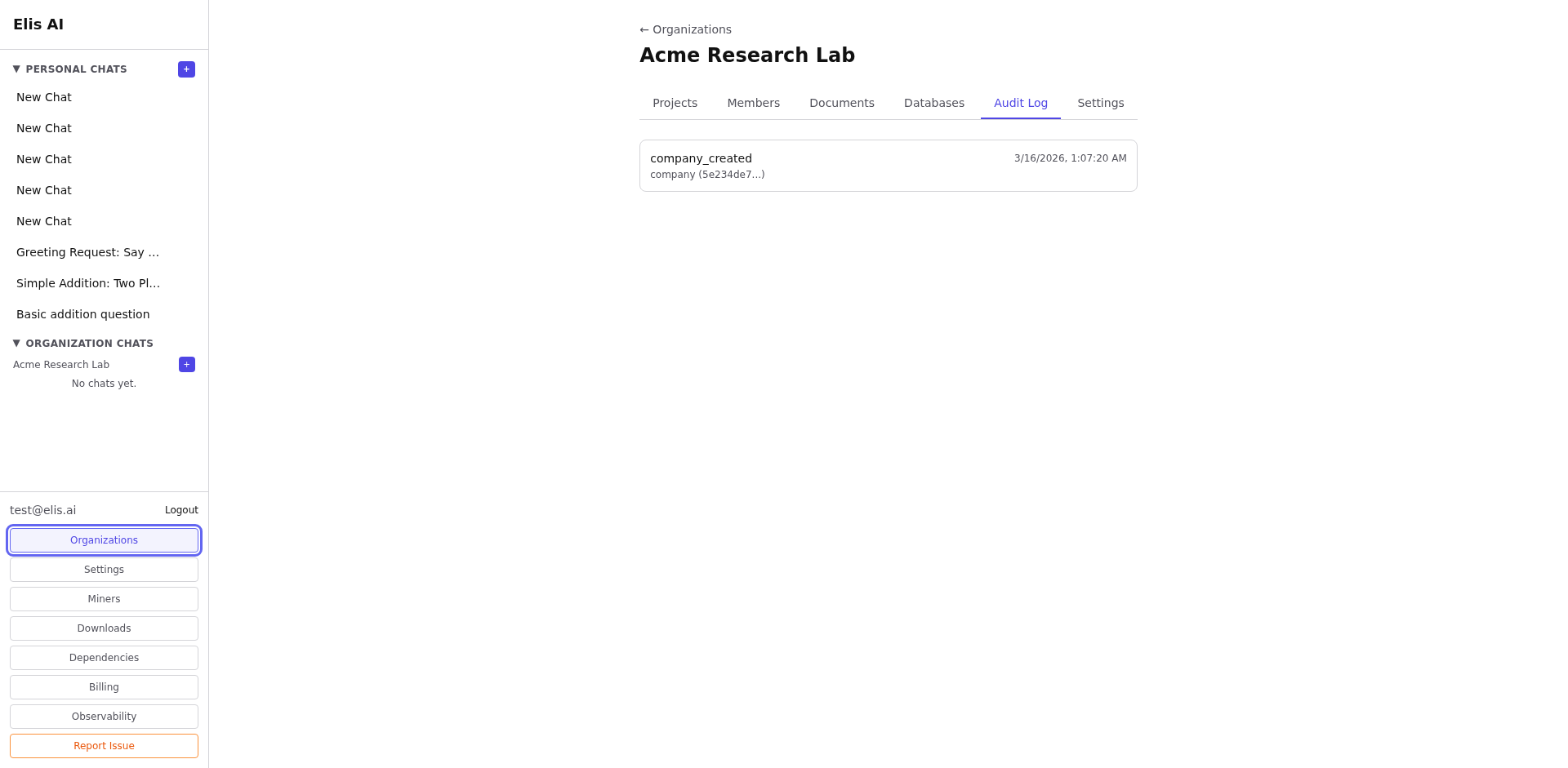
Browse activity entries
The log shows timestamped entries for member changes, document uploads, project modifications, and other org-level actions.
3
Filter by type or date
Use the filters to narrow results by action type, user, or date range for faster lookup.
Tip:The audit log is immutable — entries cannot be deleted. Use it for compliance or to track who made what changes.