Tutorial
Sign Up & Log In
Create your Elis AI account and log in for the first time.
1
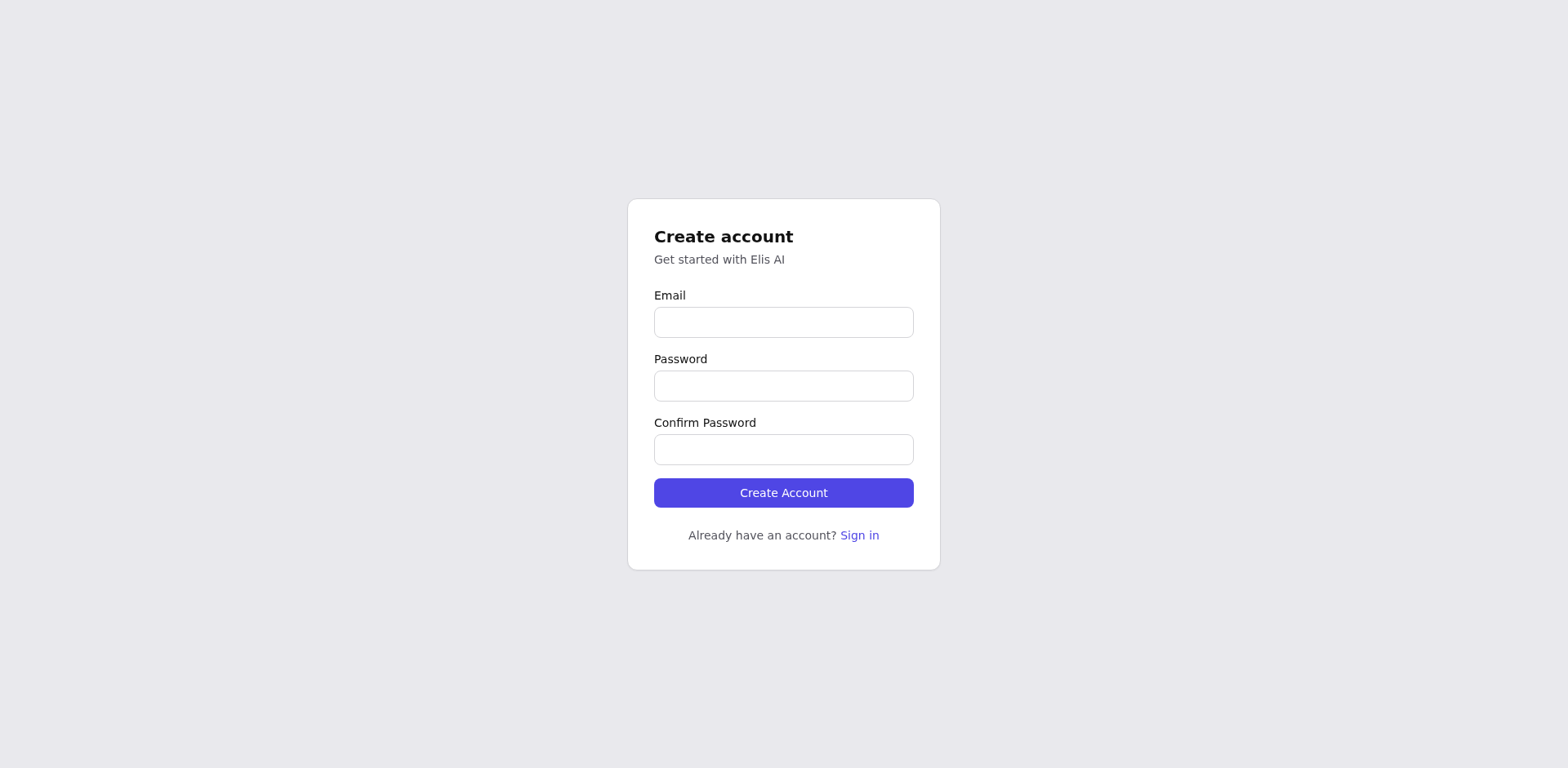
Navigate to the Sign Up page
Open your browser and go to the Elis AI site. Click the Sign Up button in the top-right of the landing page.
2
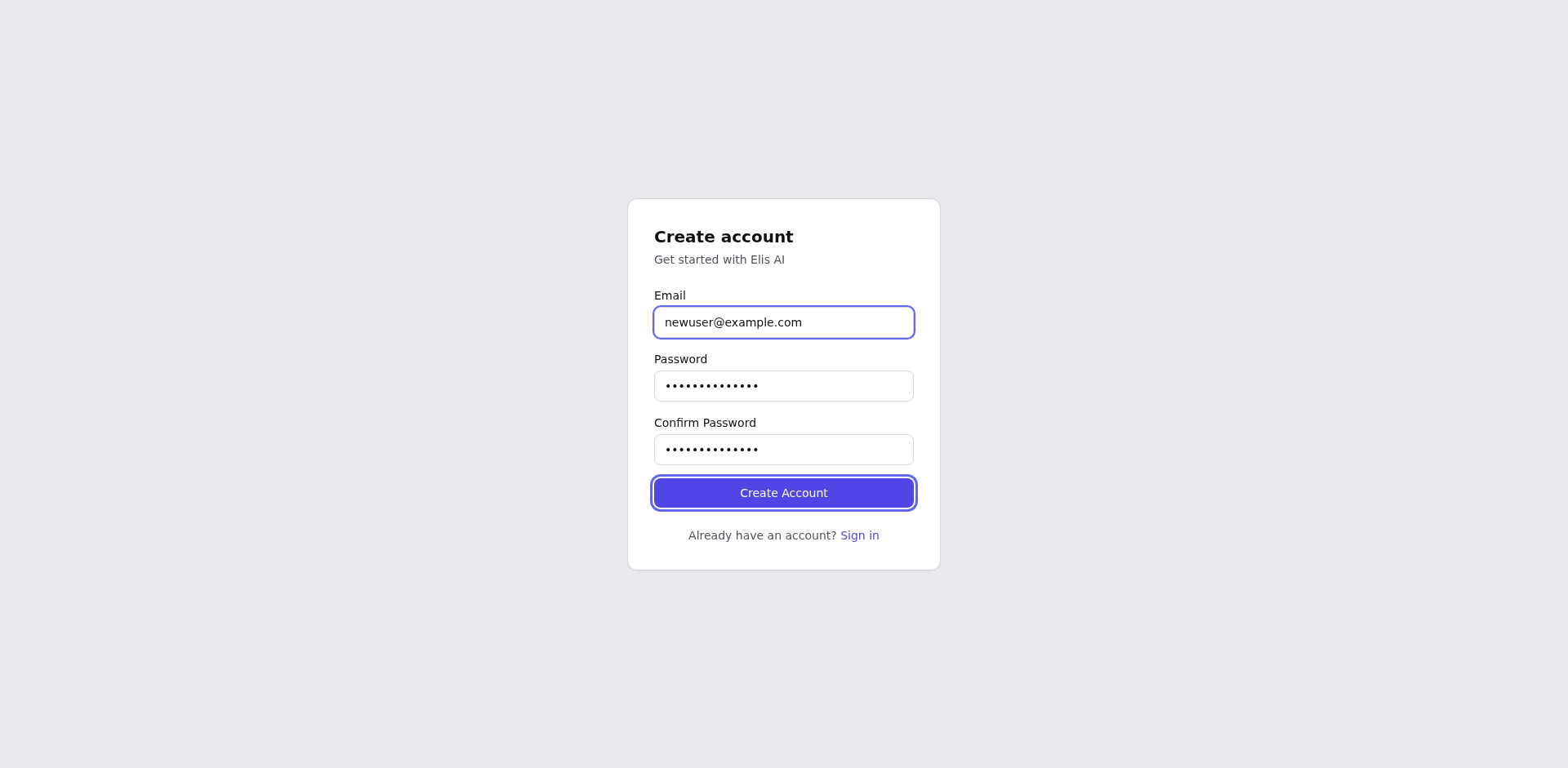
Fill in your details
Enter your email address and choose a strong password. Confirm the password in the second field, then click Create Account.
3
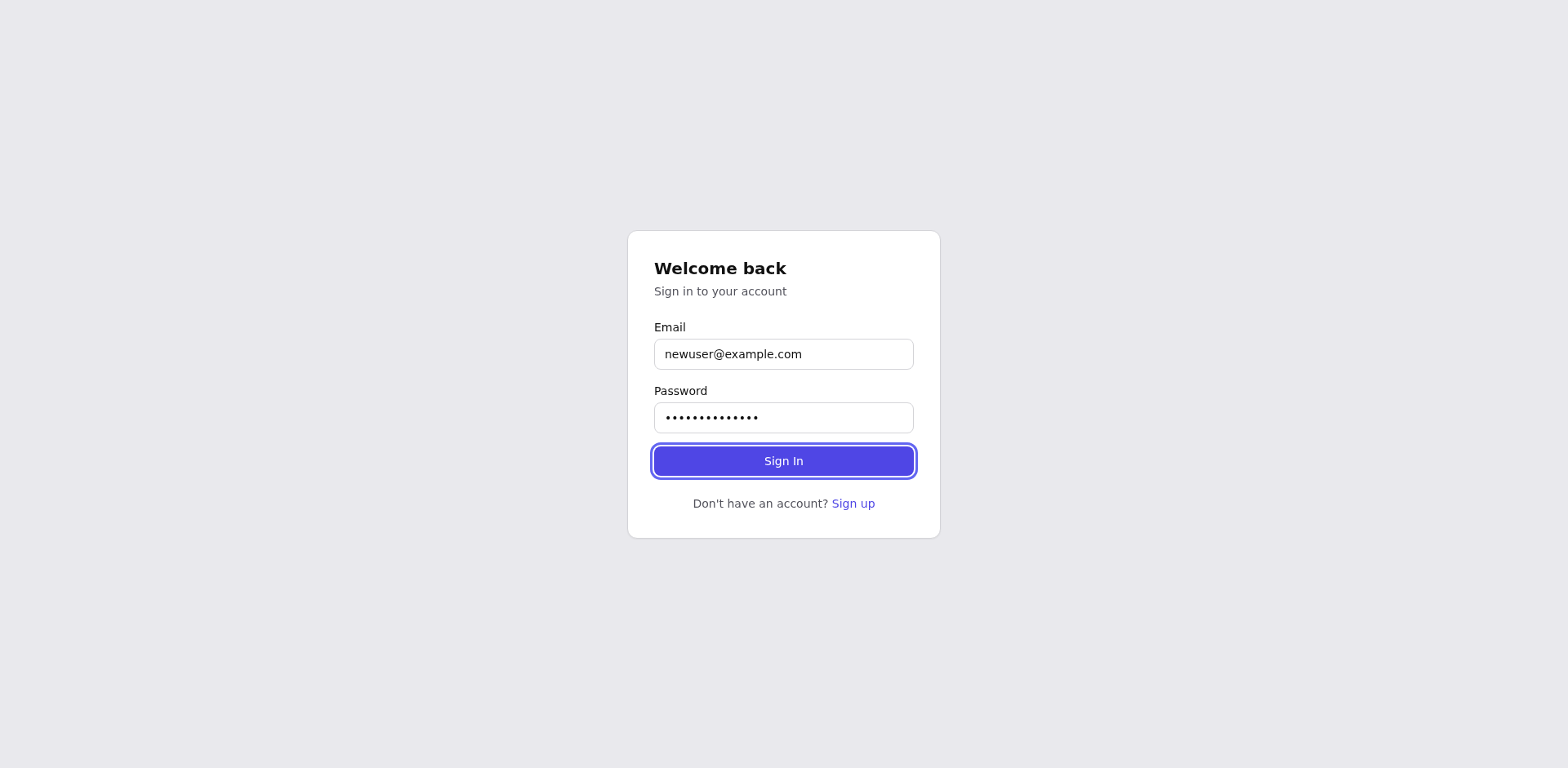
Log in
After sign-up you'll be redirected to the login page (or you can navigate to /login). Enter your email and password, then click Log In.
4
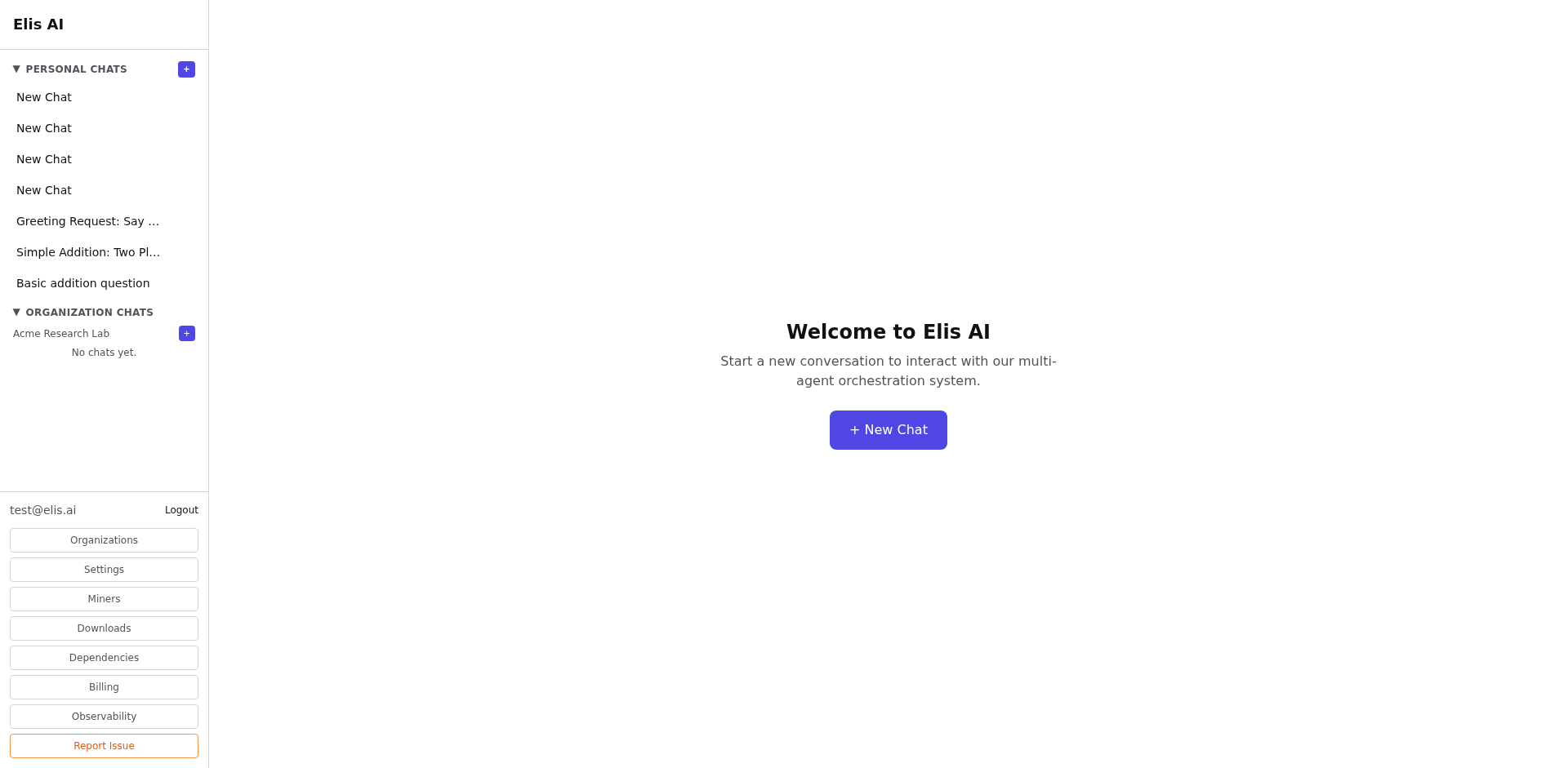
You're in!
Once authenticated you'll land in the chat interface. You're ready to start your first conversation.
Tip:Bookmark
/login for quick access. Sessions stay active for 7 days, so you won't need to log in every time.