Settings, Chat Preferences & API Keys
Manage your profile, chat preferences, notifications, and API keys for programmatic access.
Open Settings
Click Settings in the sidebar to view your profile plus your personal chat and account preferences.
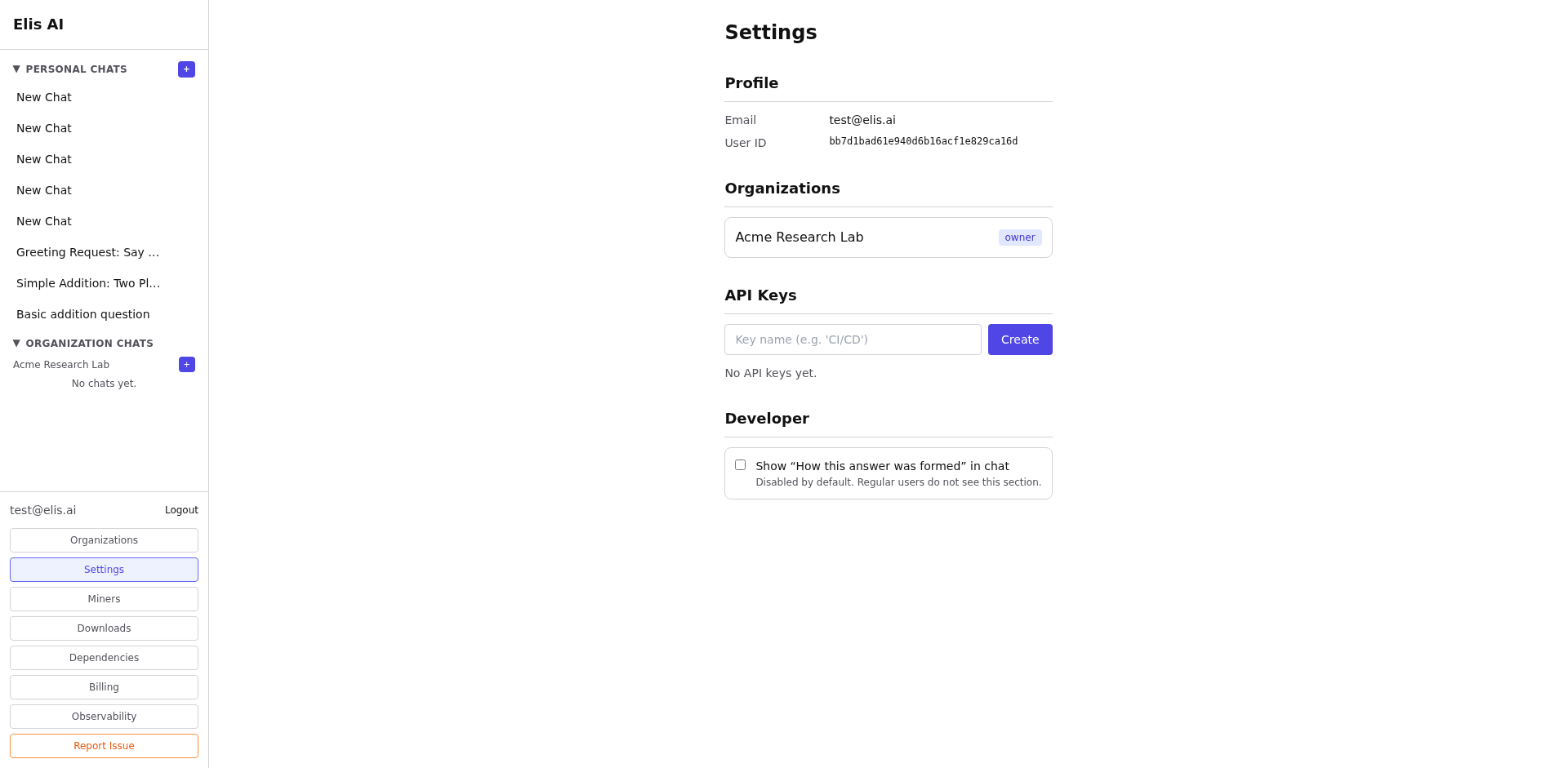
Adjust chat appearance and response preferences
Use the Appearance tab to adjust chat presentation and other personal UI preferences that affect how your conversations look and feel.
Choose voice and notifications
Open Voice & Audio to pick how the assistant sounds, then open Notifications to choose which notification kinds appear in your bell.
Create an API key
Scroll to the API Keys section and click Create API Key. Give it a descriptive name.
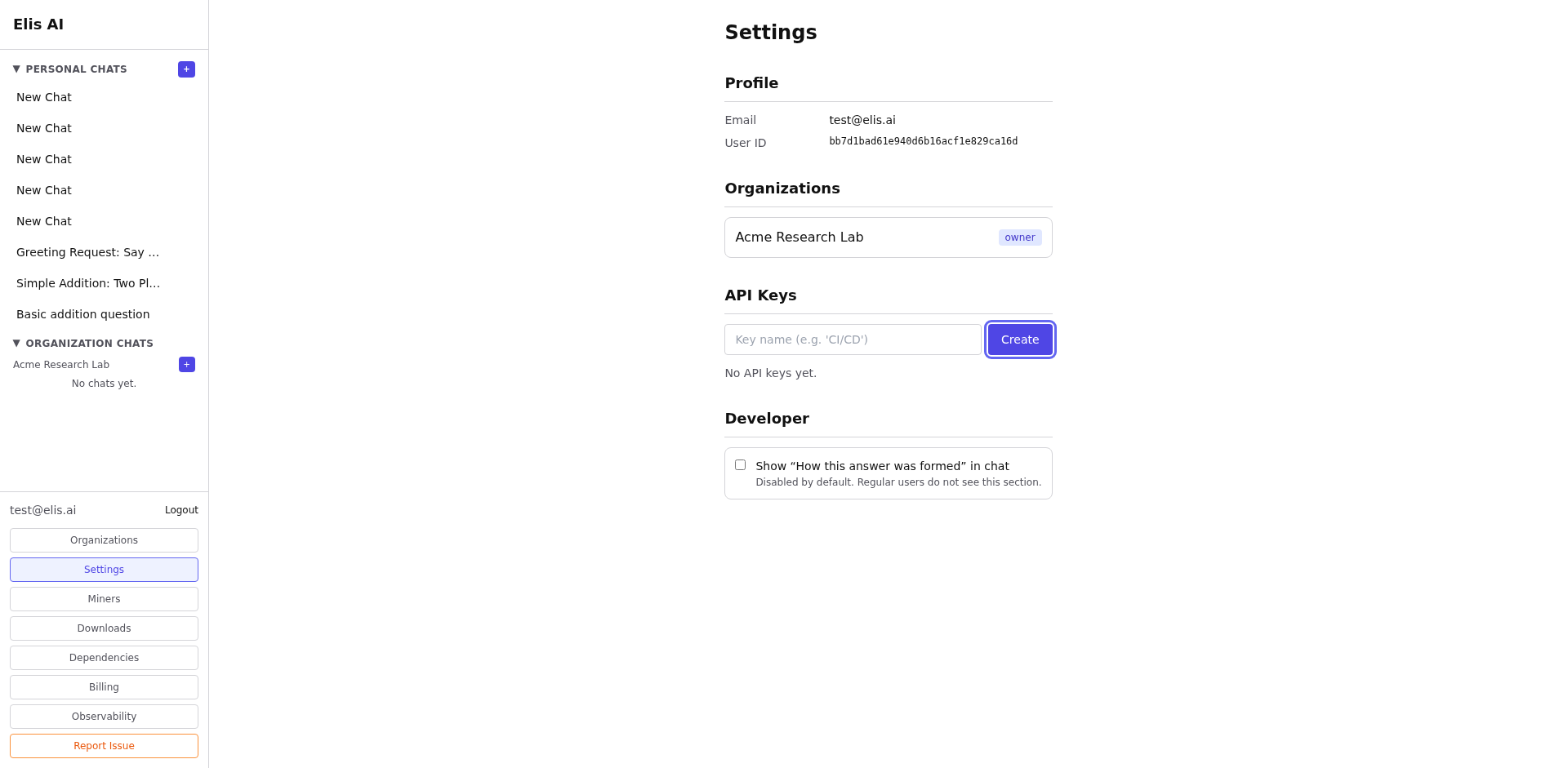
Copy your key
Important: Copy the key immediately - it's only shown once. Store it securely.
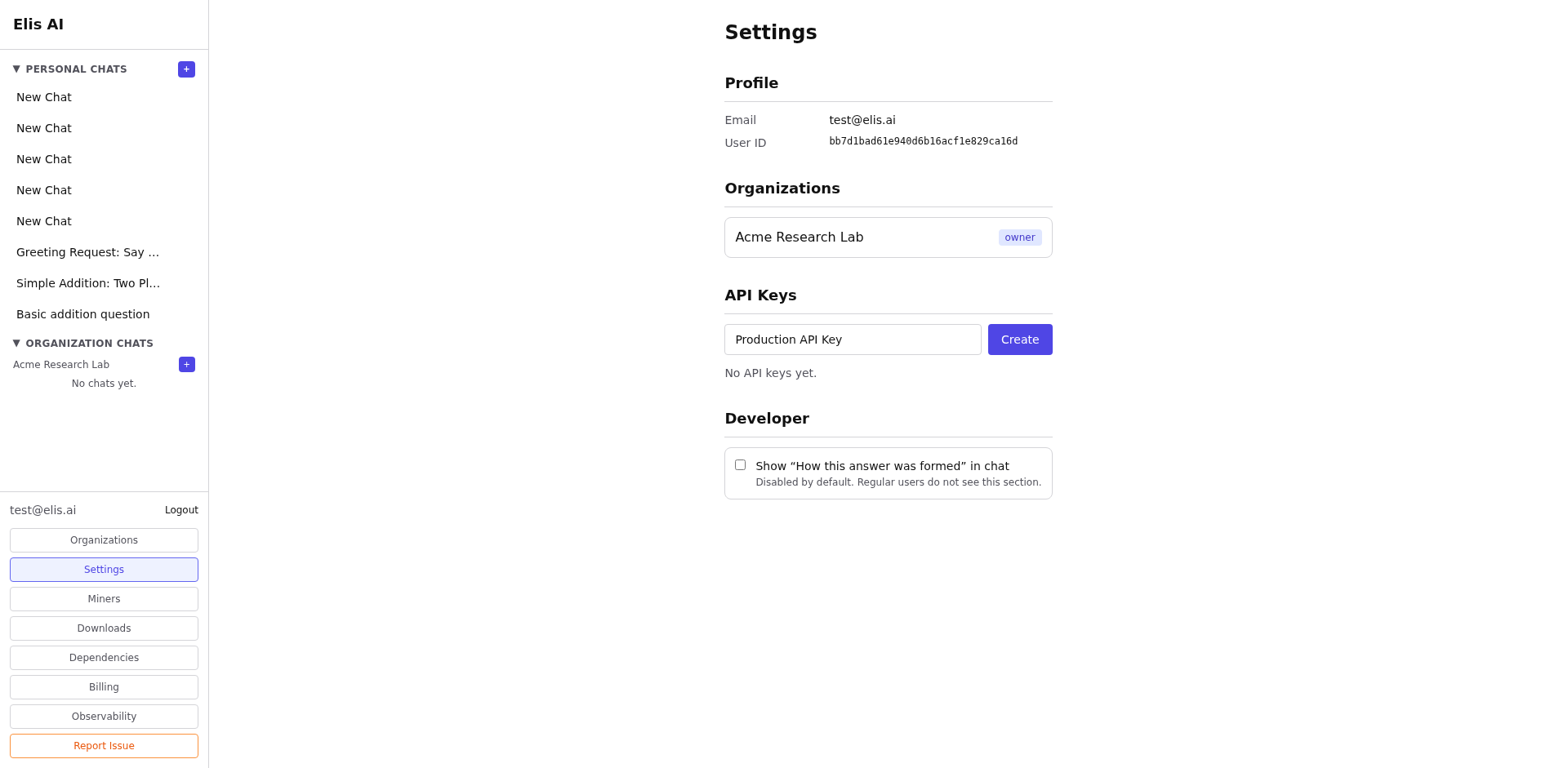
Revoke a key
If a key is compromised or no longer needed, click Revoke next to it. The key stops working immediately.
Review Data Privacy
Scroll to the Data Privacy section. New accounts start with Share usage statistics to improve platform performance selected — it can be cleared on the Terms of Service screen when you sign up, or switched off here at any time. While it is on, your personal scope takes part in Elis Token Saver’s community pool: proven task chains and agent templates from your scope are redacted (no PII, secrets, or identifiers) and safety-scanned before being shared with other participants, and you can recall theirs in return. This is reciprocal: only participating scopes can use the community pool. Once something has actually been shared, an expandable Your contributions panel lists it, so you always know what is out there.
constraints.no_community even while the setting is on. See the Community sharing tutorial for a full walkthrough.X-API-Key header to authenticate programmatic requests. See the API Integration tutorial for details.