Tutorial
Project Conversations
Create and manage conversations scoped to a specific project.
1
Open a project
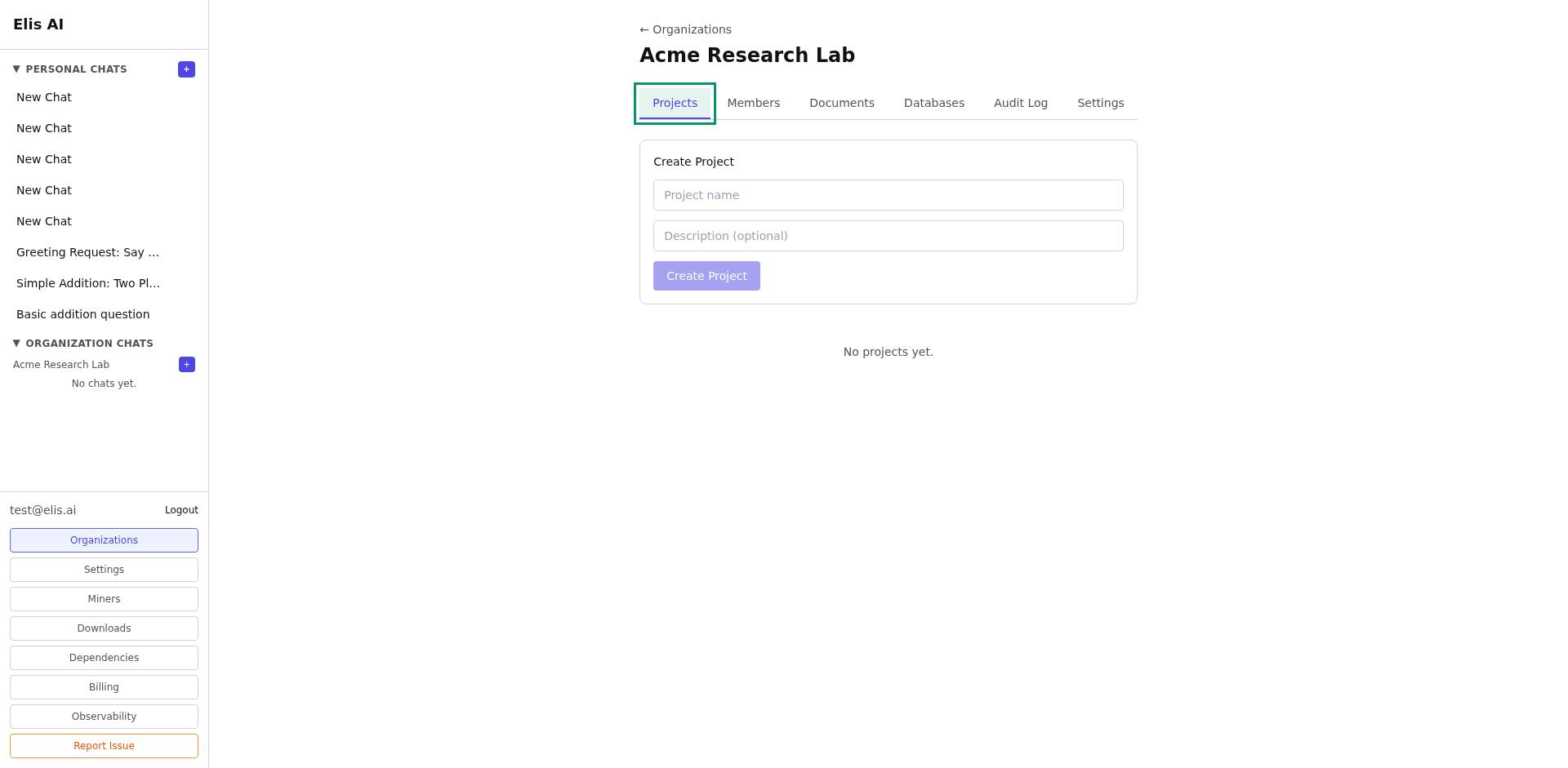
Navigate to your organization, then select a project from the Projects tab.
2
Start a project conversation
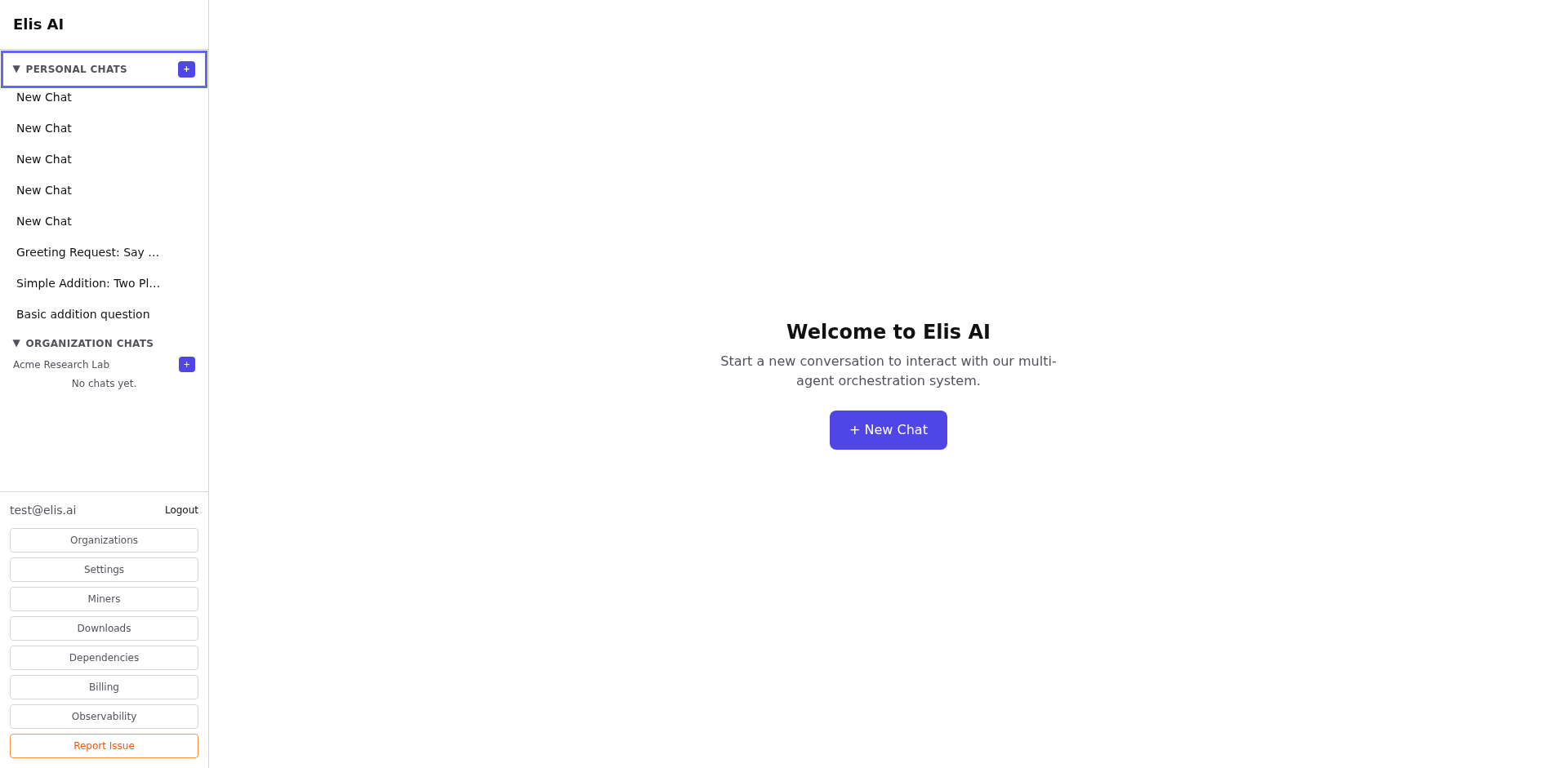
Click New Conversation within the project. Project chats do not automatically use every project document, so open Docs in the conversation and link the files you want that chat to use.
3
Chat with project context
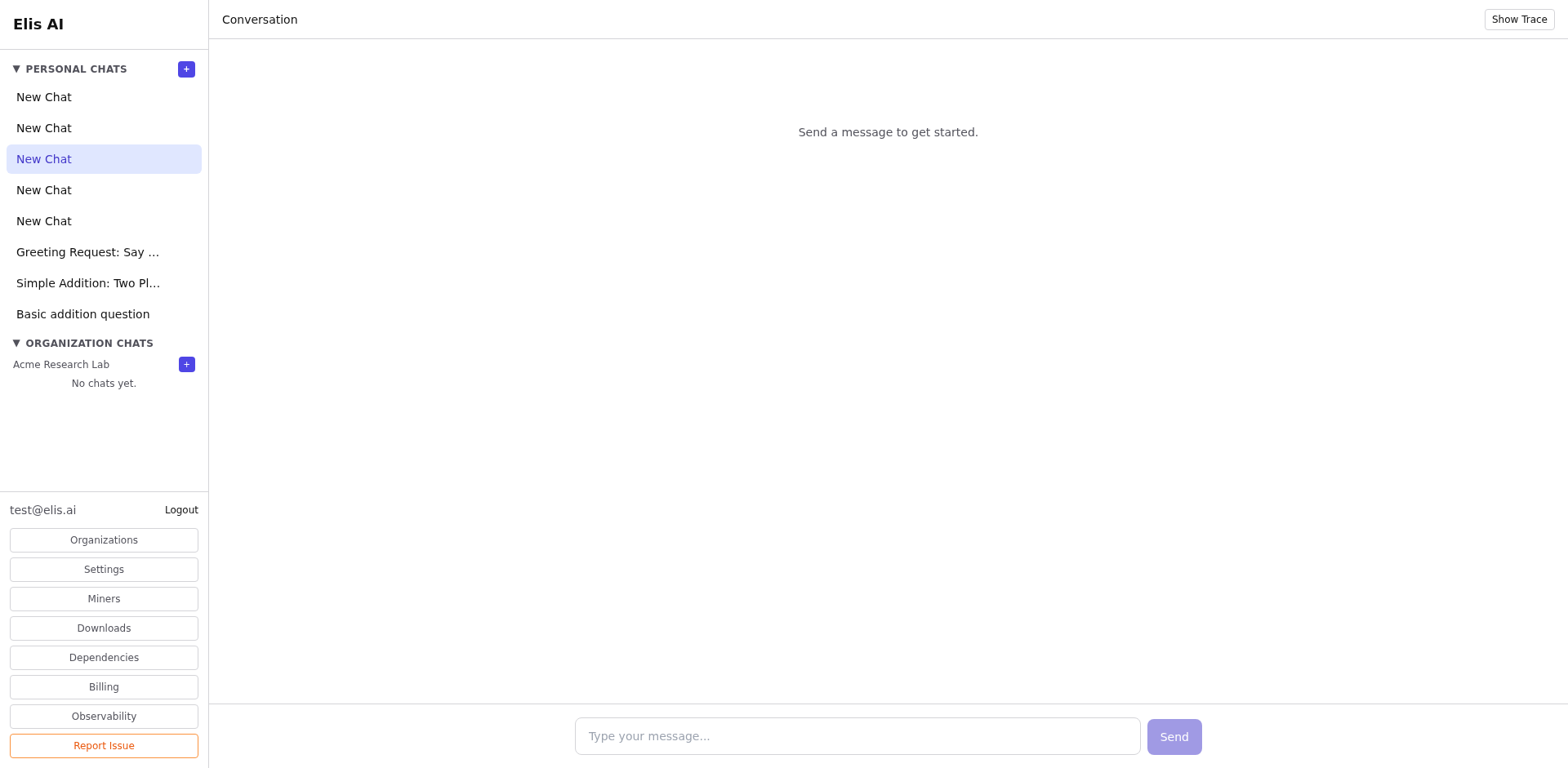
Ask questions after linking the relevant project documents into the conversation. A label at the top confirms which project scope is active, and the Docs panel shows which files are available to that chat.
4
View project conversation list
All conversations created within this project are listed in the project's conversation tab, separate from your personal chats.
Tip:Project conversations are visible to all project members, making them great for team collaboration on shared questions.