Tutorial
Managing Messages
Edit, resend, copy, and delete messages in a conversation.
1
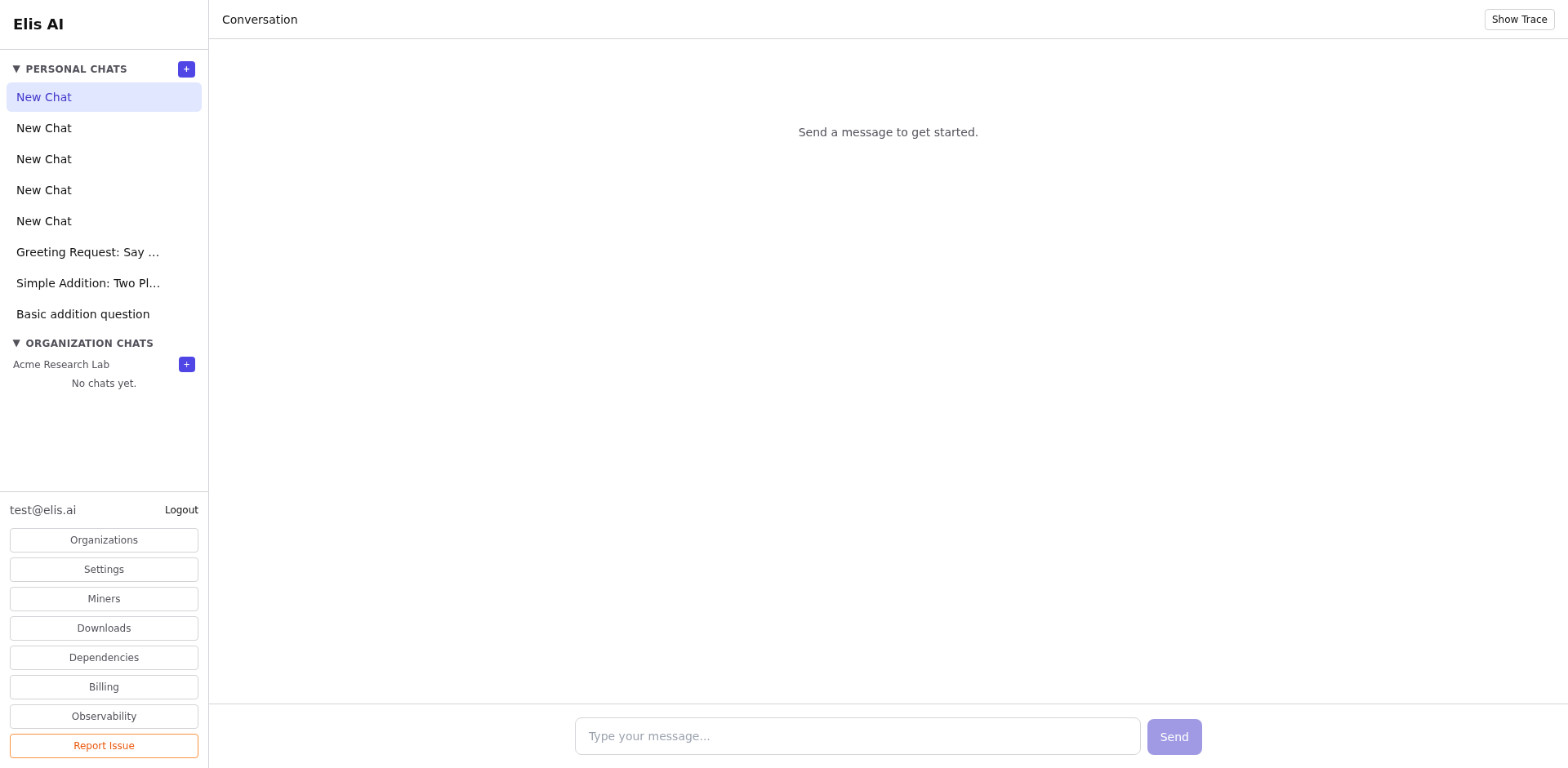
Hover over a message
Move your cursor over any message to reveal the action buttons: edit, copy, resend, and delete.
2
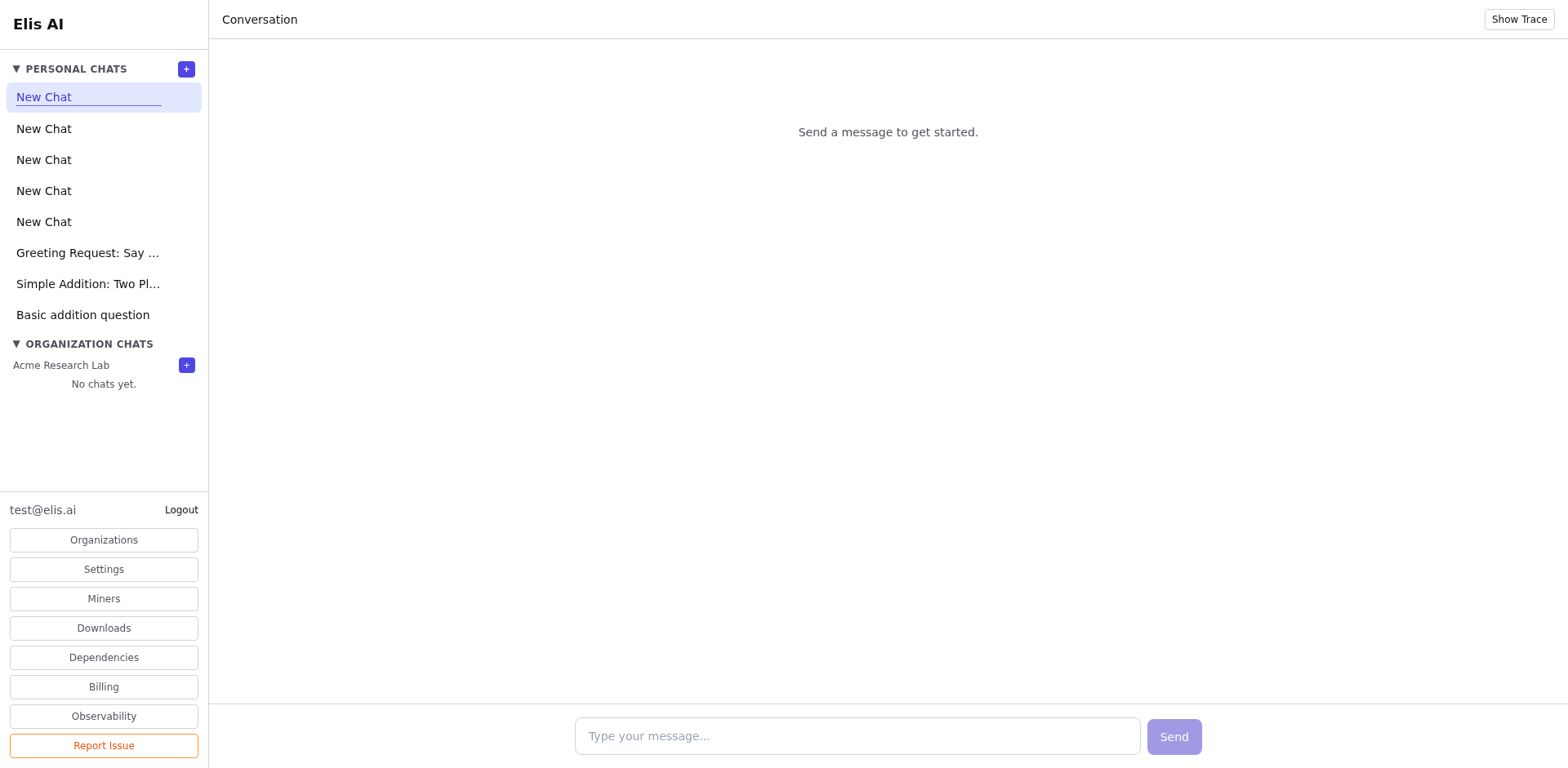
Edit a message
Click the edit icon on one of your messages. The text becomes editable — make your changes, then click Save to update it and get a new response.
3
Resend a message
Click the resend icon to re-submit the same prompt. The AI will generate a fresh response — useful when you want a different take.
4
Copy or delete
Use the copy button to copy message text to your clipboard. Click delete to remove a message from the conversation.
Tip:Editing a user message re-runs the AI from that point — subsequent messages will be regenerated with the updated context.