Enterprise Controls
Configure model policy, domain restrictions, BYOK, and BYOA credentials for your organization.
Set model policy
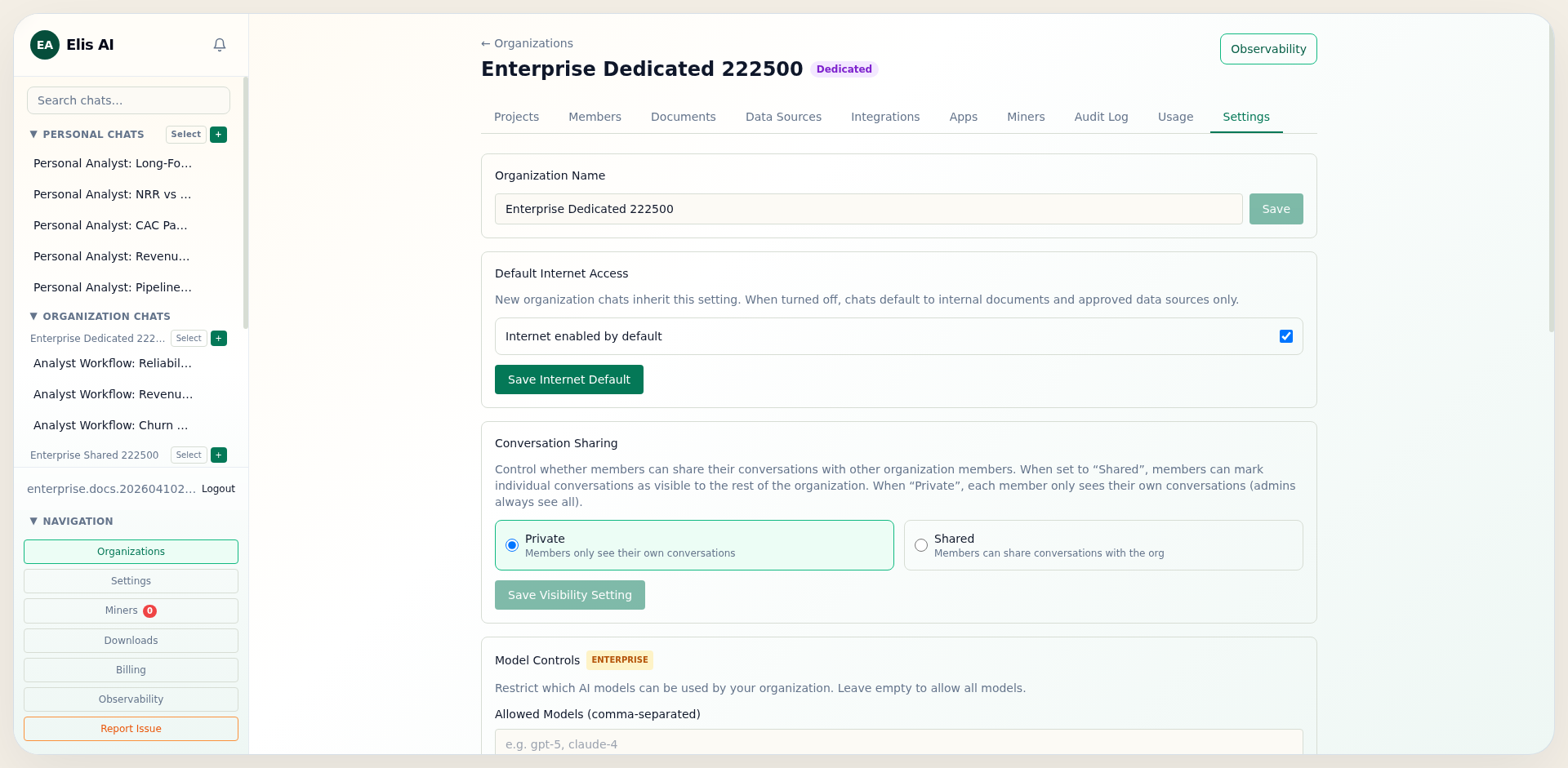
In organization settings, define allowed and blocked models. This policy governs which models can be used by users and automations in your organization.
Configure domain allowlist
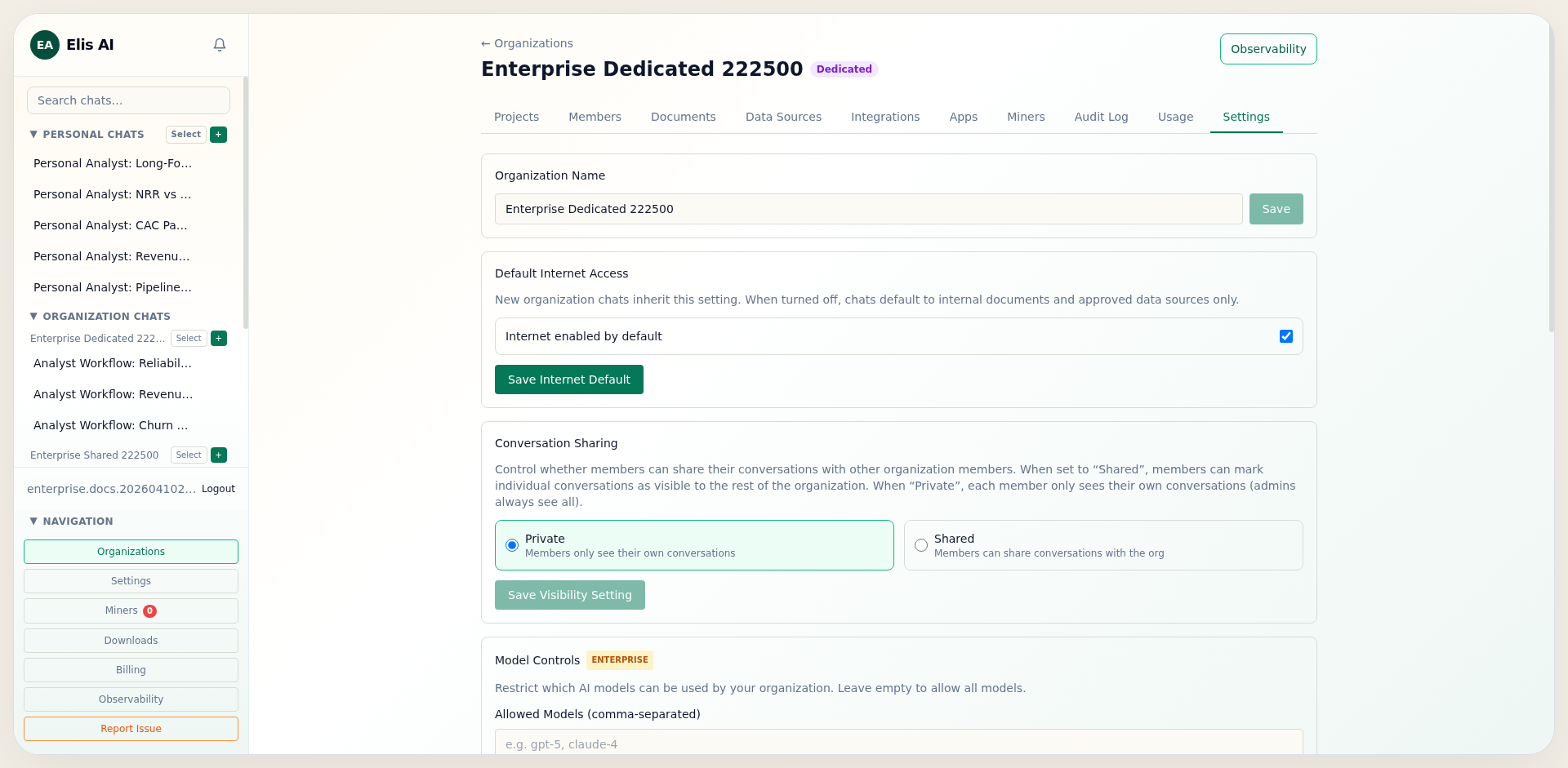
Add approved hostnames to the Domain Allowlist. Web-enabled workflows then stay constrained to known domains for compliance and data governance.
Store BYOK provider keys
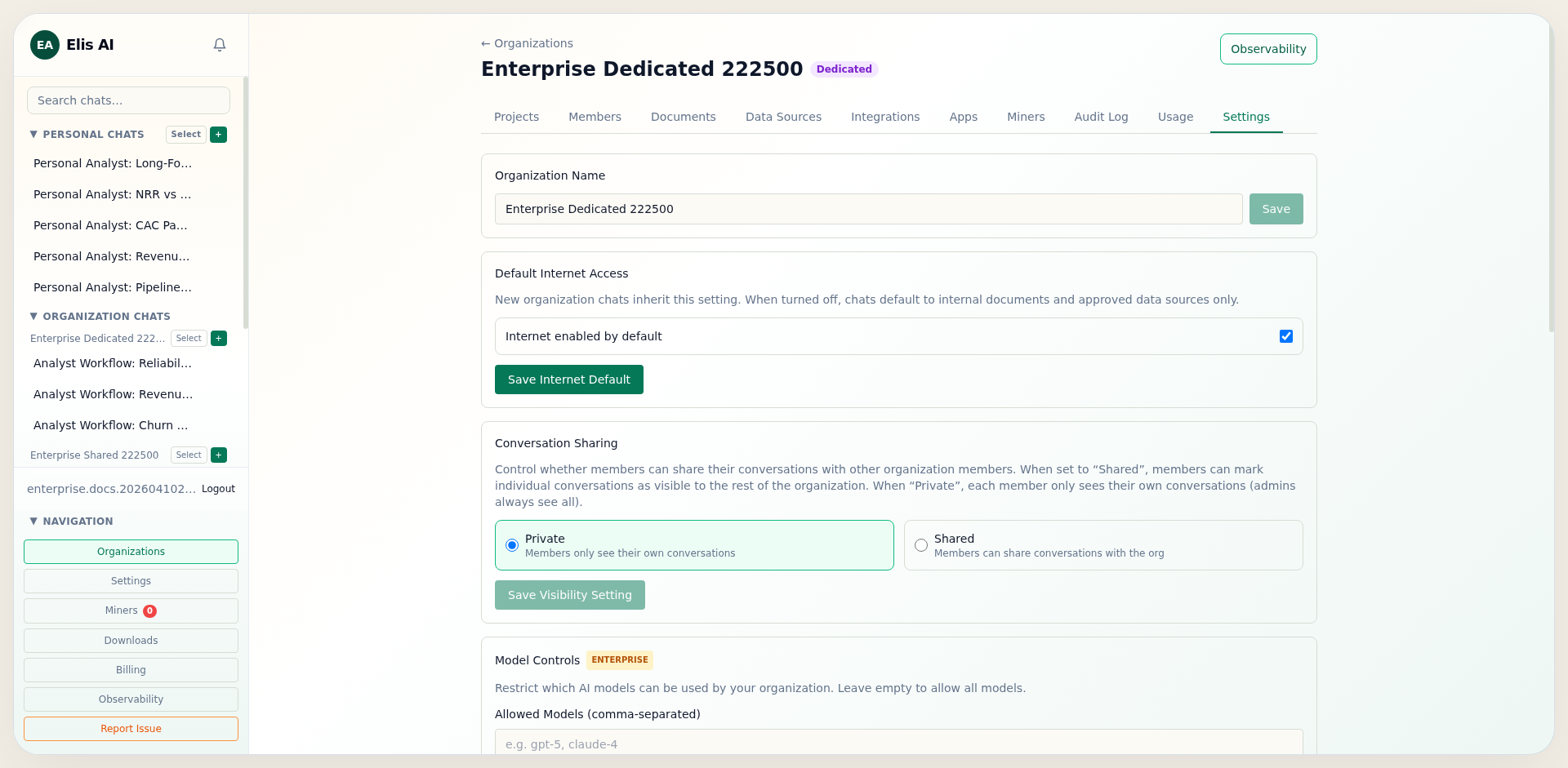
Open API Keys (BYOK) and store organization-scoped provider keys. This enables your team to use enterprise-owned credentials instead of personal keys.
Configure BYOA OAuth credentials
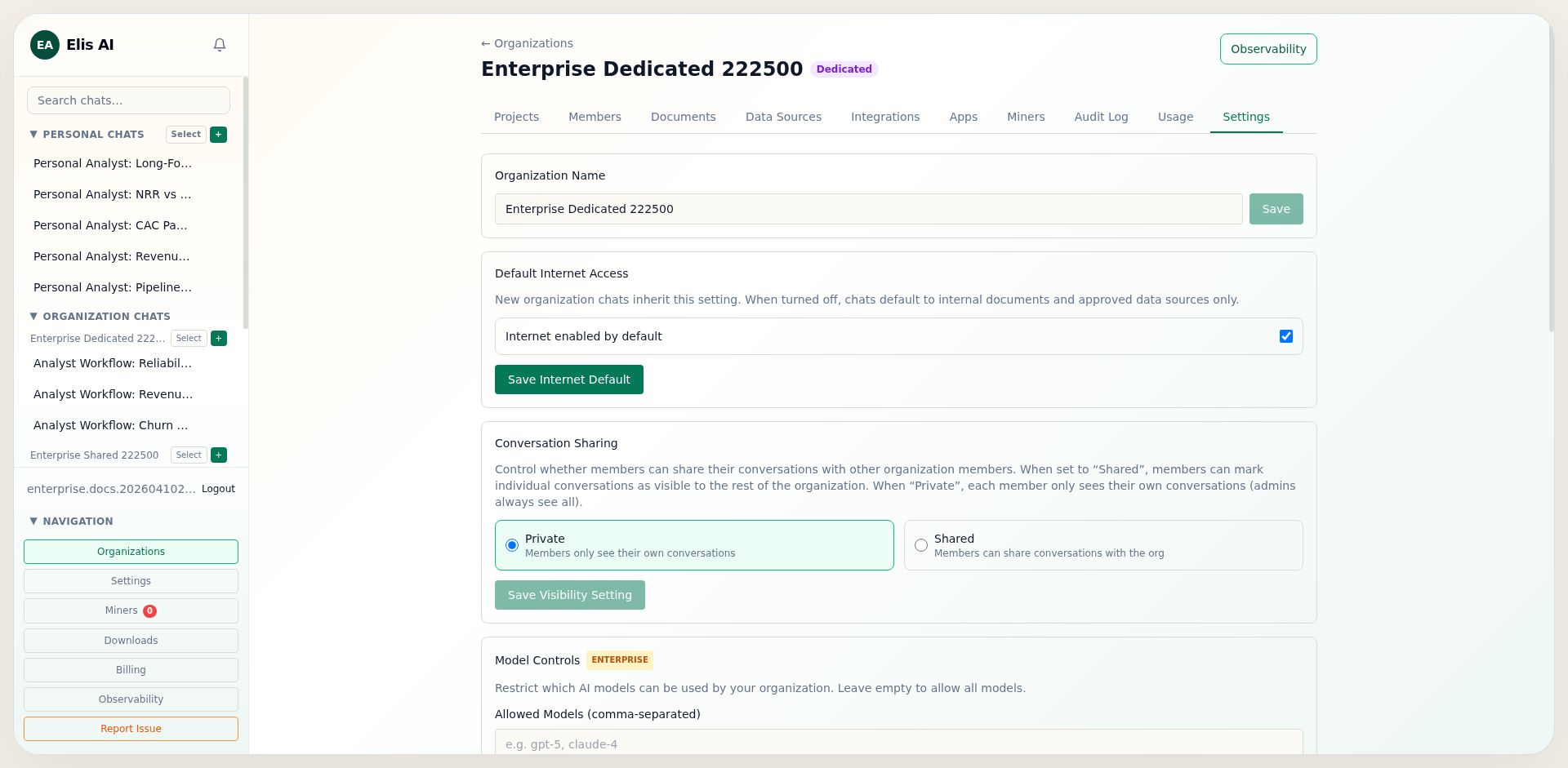
Open OAuth Credentials (BYOA) and register your organization client ID/secret per provider. This lets users authenticate against your own app registration.
Set community miner access policy
In Infrastructure, use Allow Community Miner Access to control whether cloud-mode traffic can run on shared/community miners. Turn this off to keep requests on organization-assigned miners without forcing full dedicated-only mode.