Tutorial
Runs Dashboard & Comparison
Filter runs and compare execution results side-by-side.
1
Open the Runs page
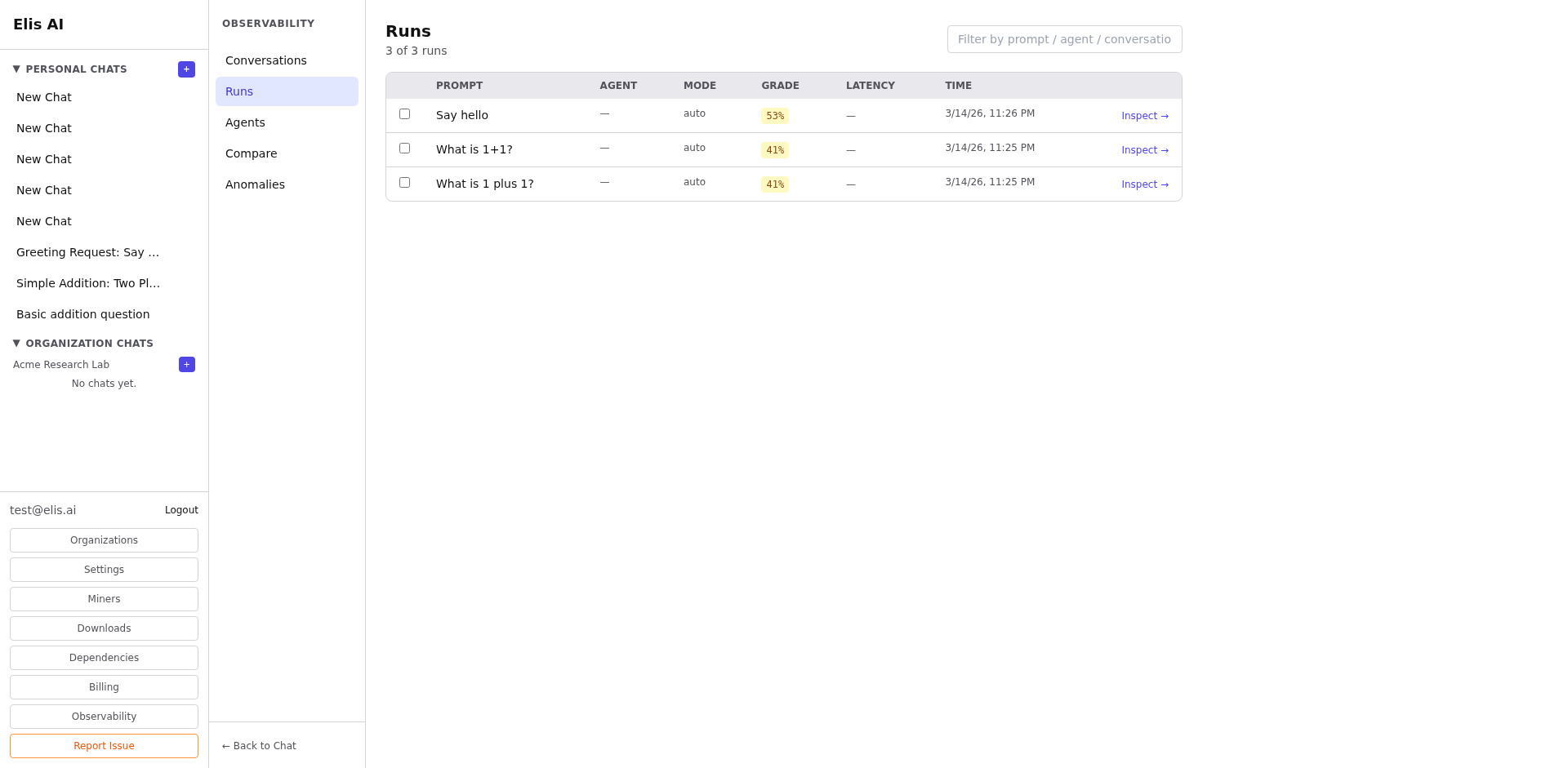
Click Runs under Observability. The dashboard shows recent runs with grades, agents used, and timing.
2
Filter runs
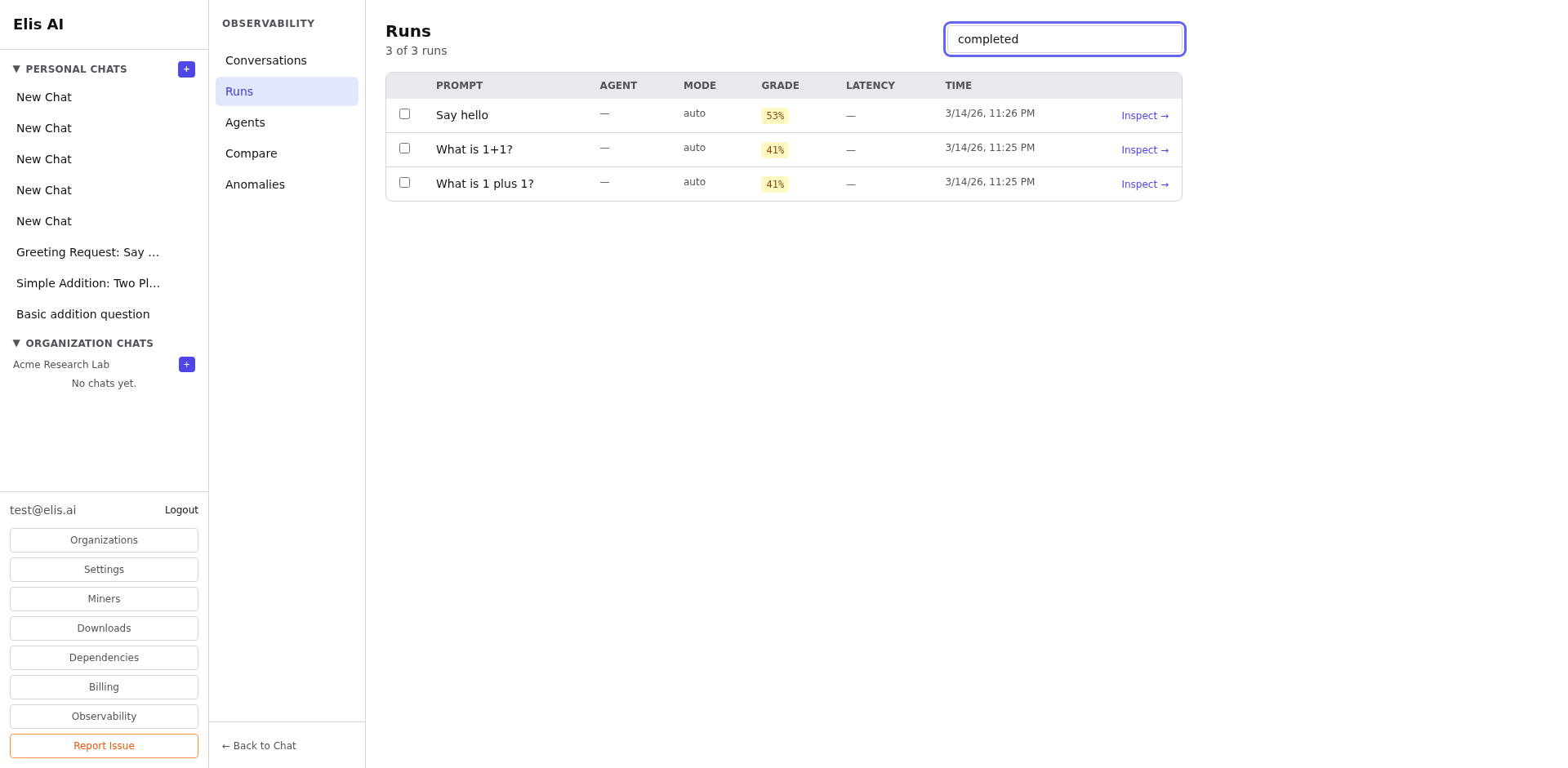
Filter by date range, agent ID, quality score, or status. Combine filters to narrow down to specific run categories.
3
Select runs to compare
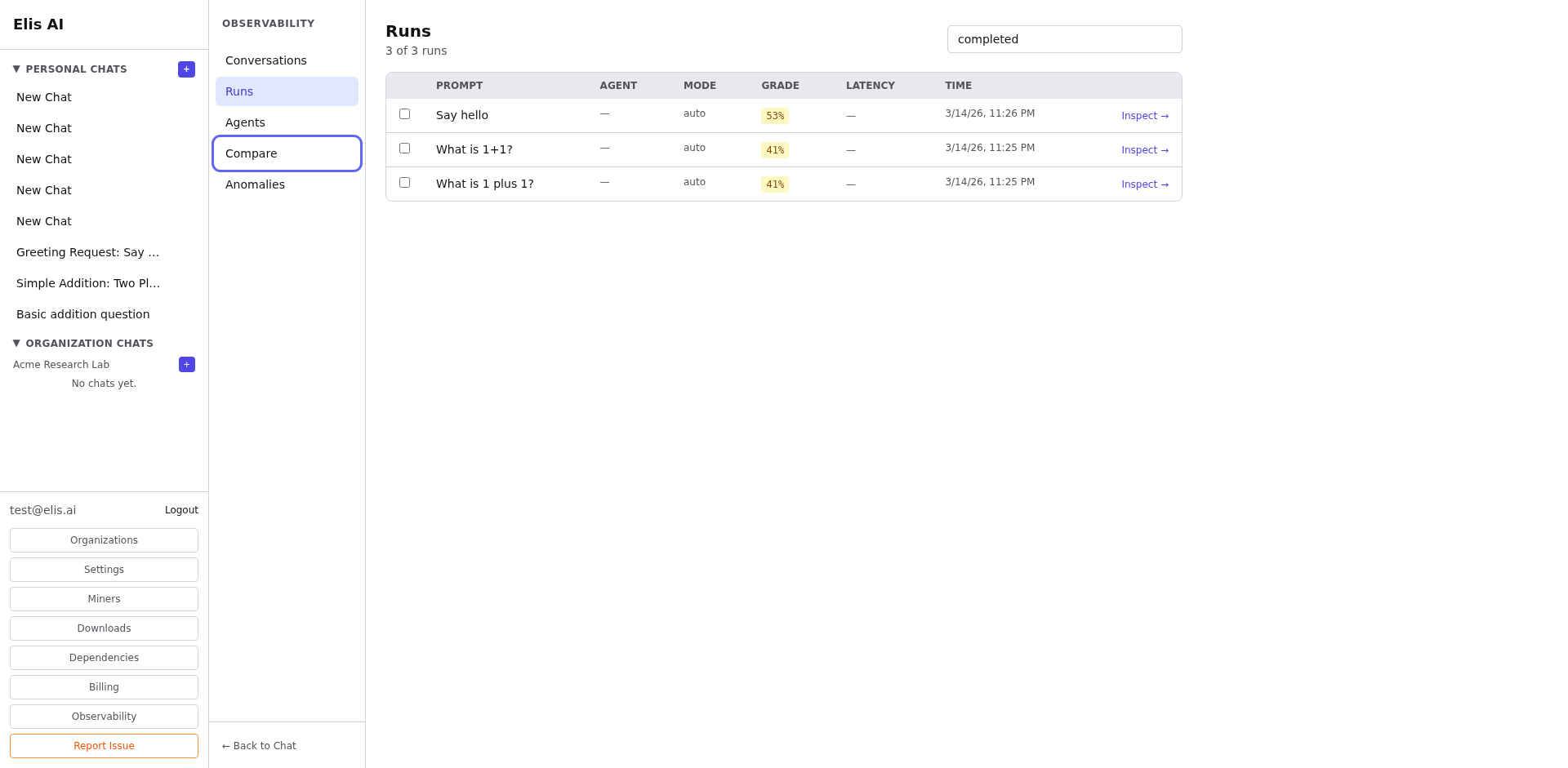
Check 2–5 runs using the checkboxes, then click Compare Selected. A side-by-side view shows differences in routing, steps, and outputs.
Tip:Compare a high-scoring run with a low-scoring one for the same prompt to quickly identify what went wrong.