Dedicated Miners for an Organization
Assign miners, issue registration tokens, and enforce dedicated-only execution.
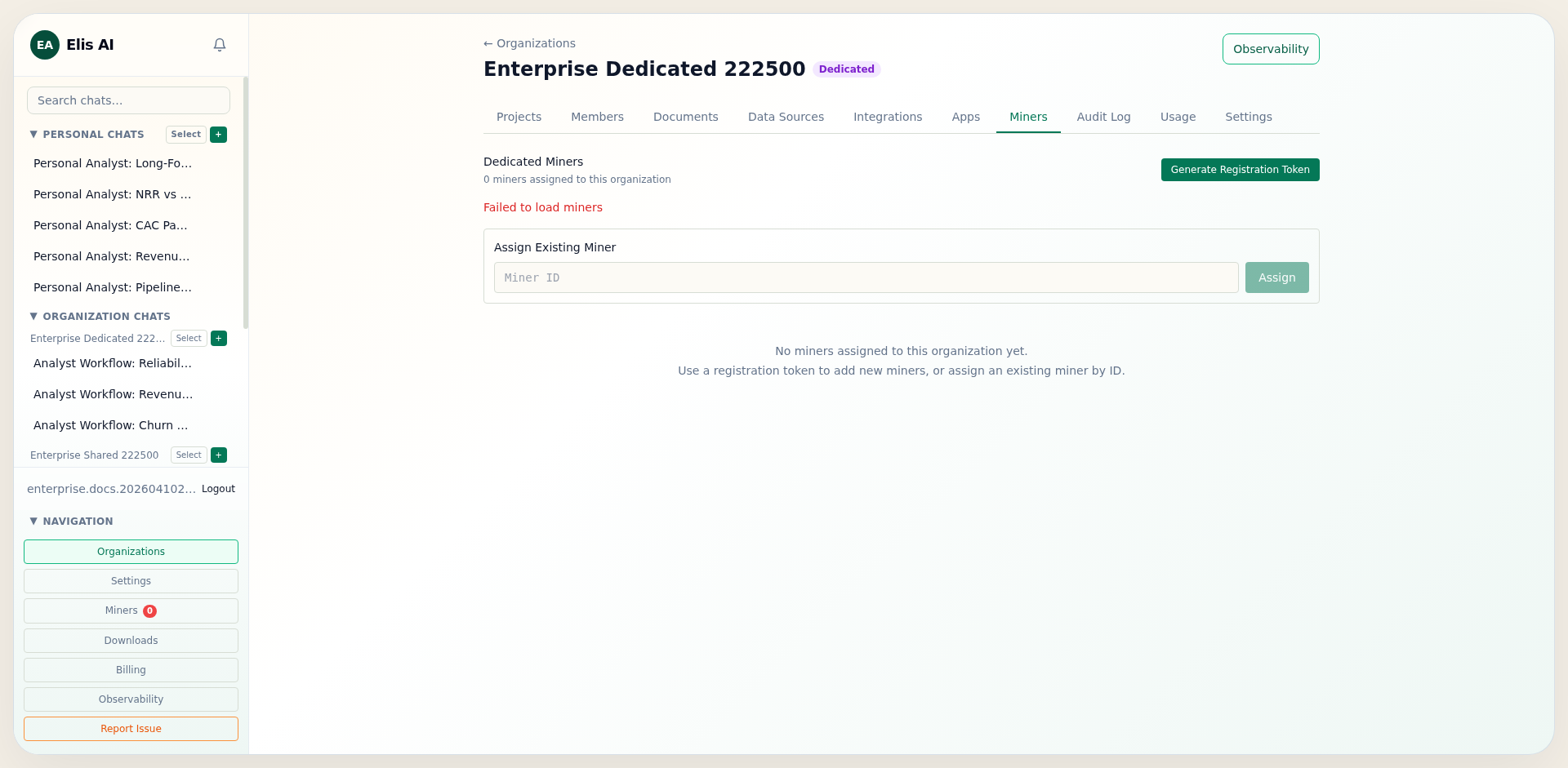
Open the Miners tab
In organization settings, switch to the Miners tab to view currently assigned dedicated miners and attach new workers.
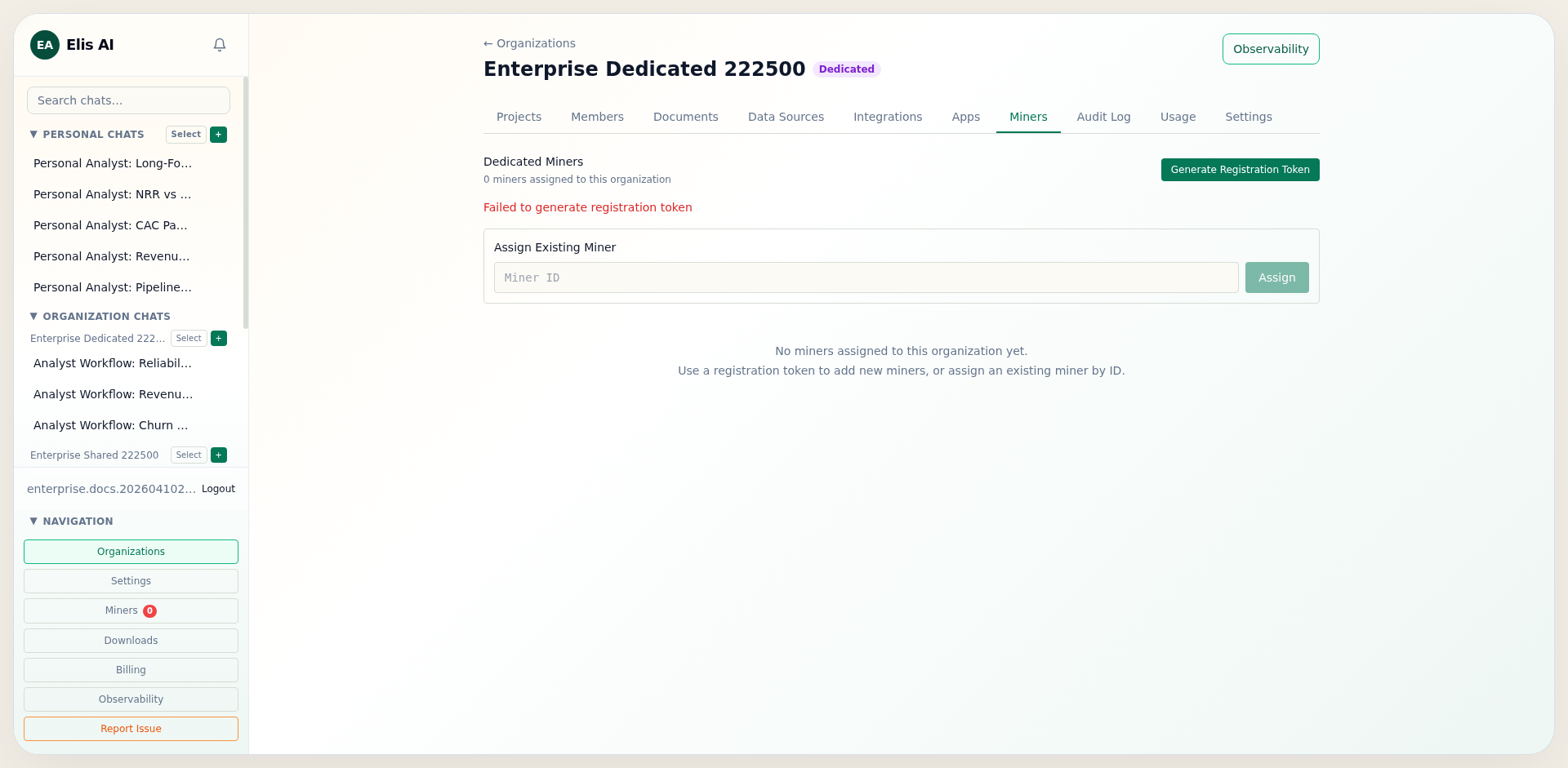
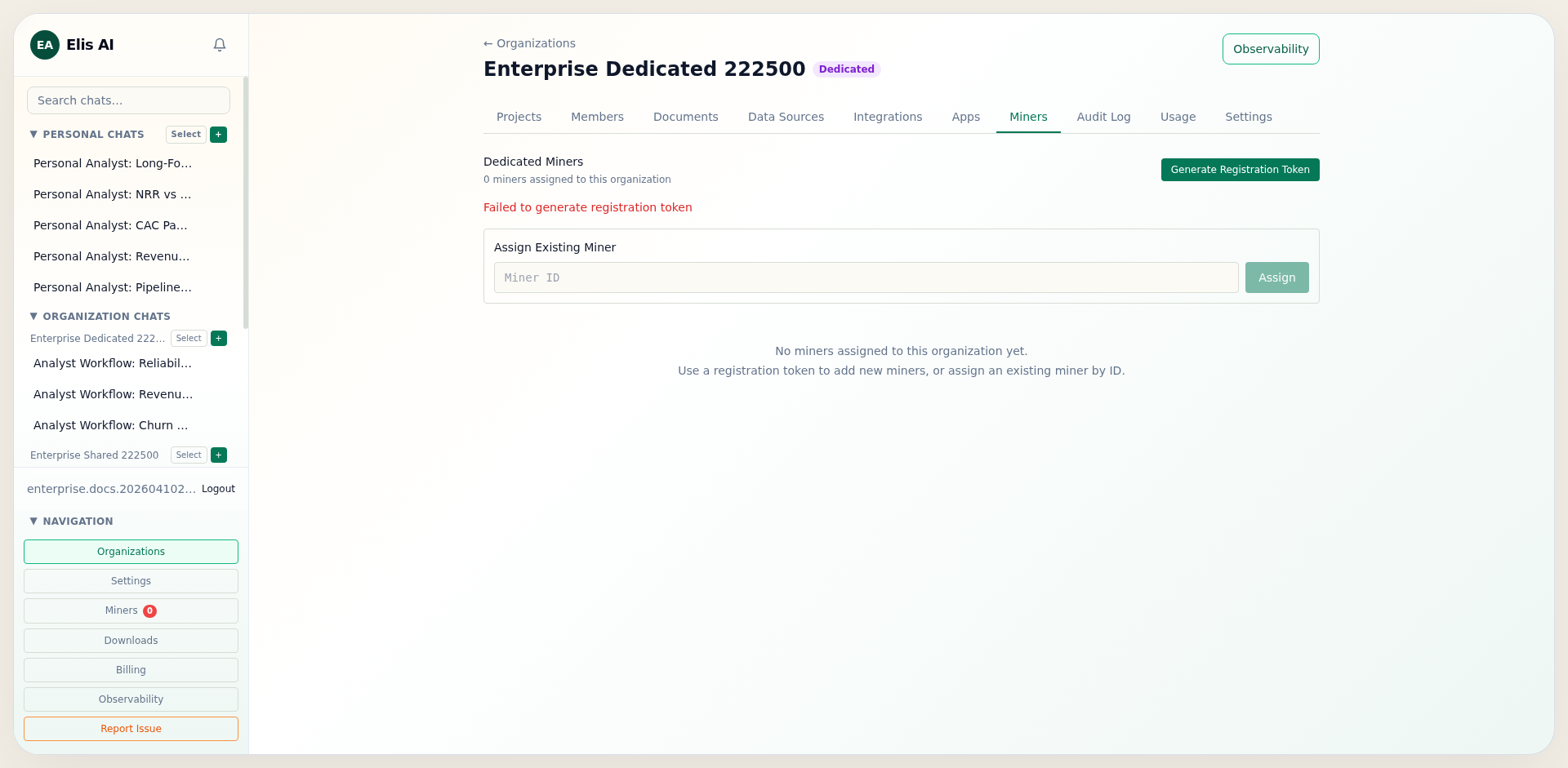
Generate a registration token
Click Generate token to create a short-lived registration token for the miner registration endpoint.
Point the miner at your private cluster
For an on-prem or dedicated deployment, configure the miner with your own cluster API origin instead of the shared community endpoint. Use the organization's registration token so the worker enrolls into the correct company context.
BACKEND_URL=https://your-private-api.example
MINER_REGISTRATION_TOKEN=mreg_...
MINER_BACKEND=ollama
MODEL_NAME=phi4-mini
Assign or unassign miners
Use assignment actions to link miners to the organization. Unassign when a worker is rotated out for maintenance or ownership changes.
Enable dedicated-miners-only mode
Toggle Dedicated Miners Only to hard-enforce organization workers at runtime. Requests fail fast when no assigned miner can serve the selected model, and the scheduler will not fall back to community compute.
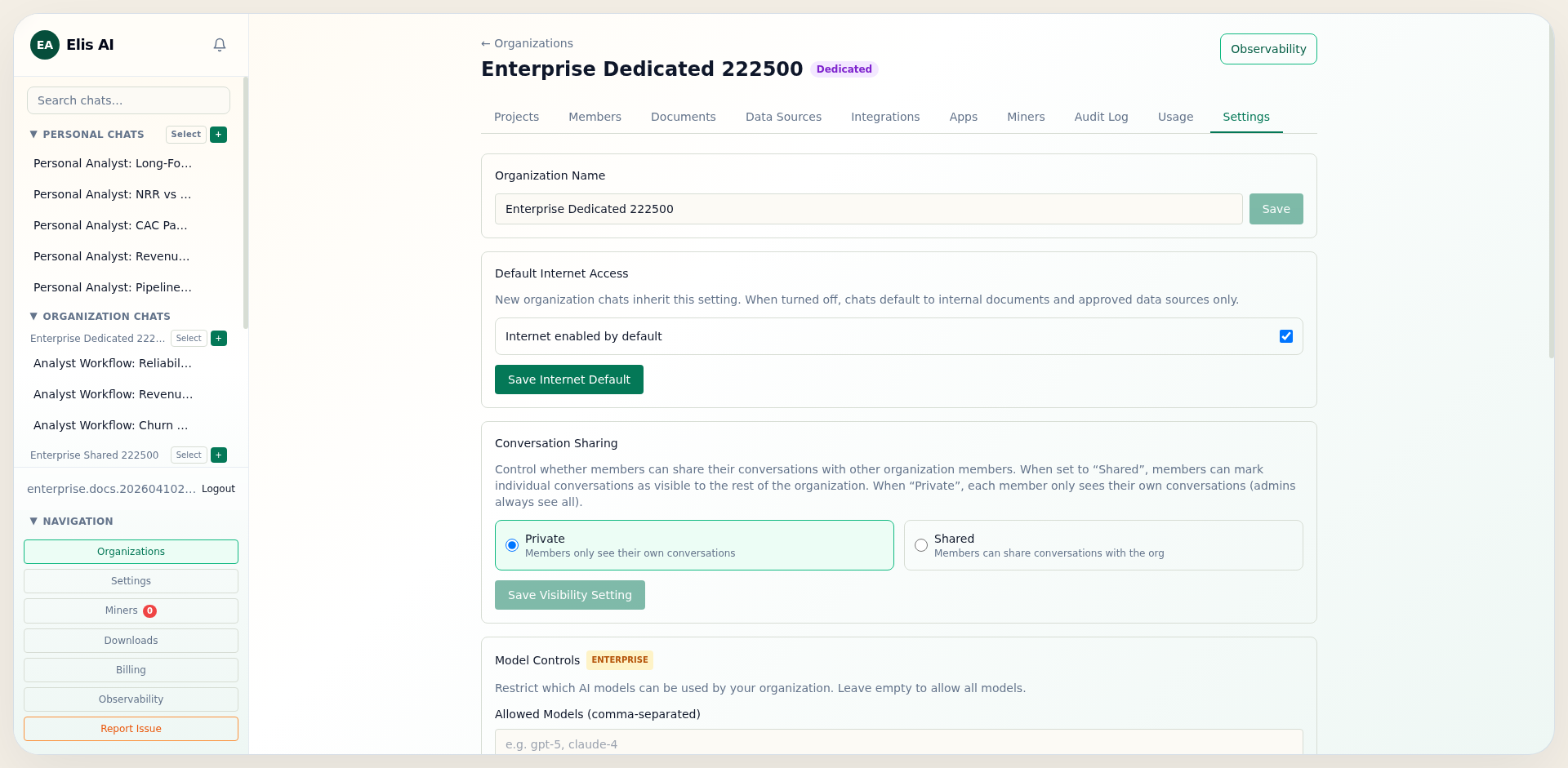
Control shared miner access in cloud mode
If you keep Cloud Miners mode enabled, set Allow Community Miner Accessto off to restrict execution to organization-assigned miners only. This is useful when you want cloud-mode flexibility but still need tenant-scoped runtime isolation.