Tutorial
Browsing Models
Explore the model directory and compare available AI models.
1
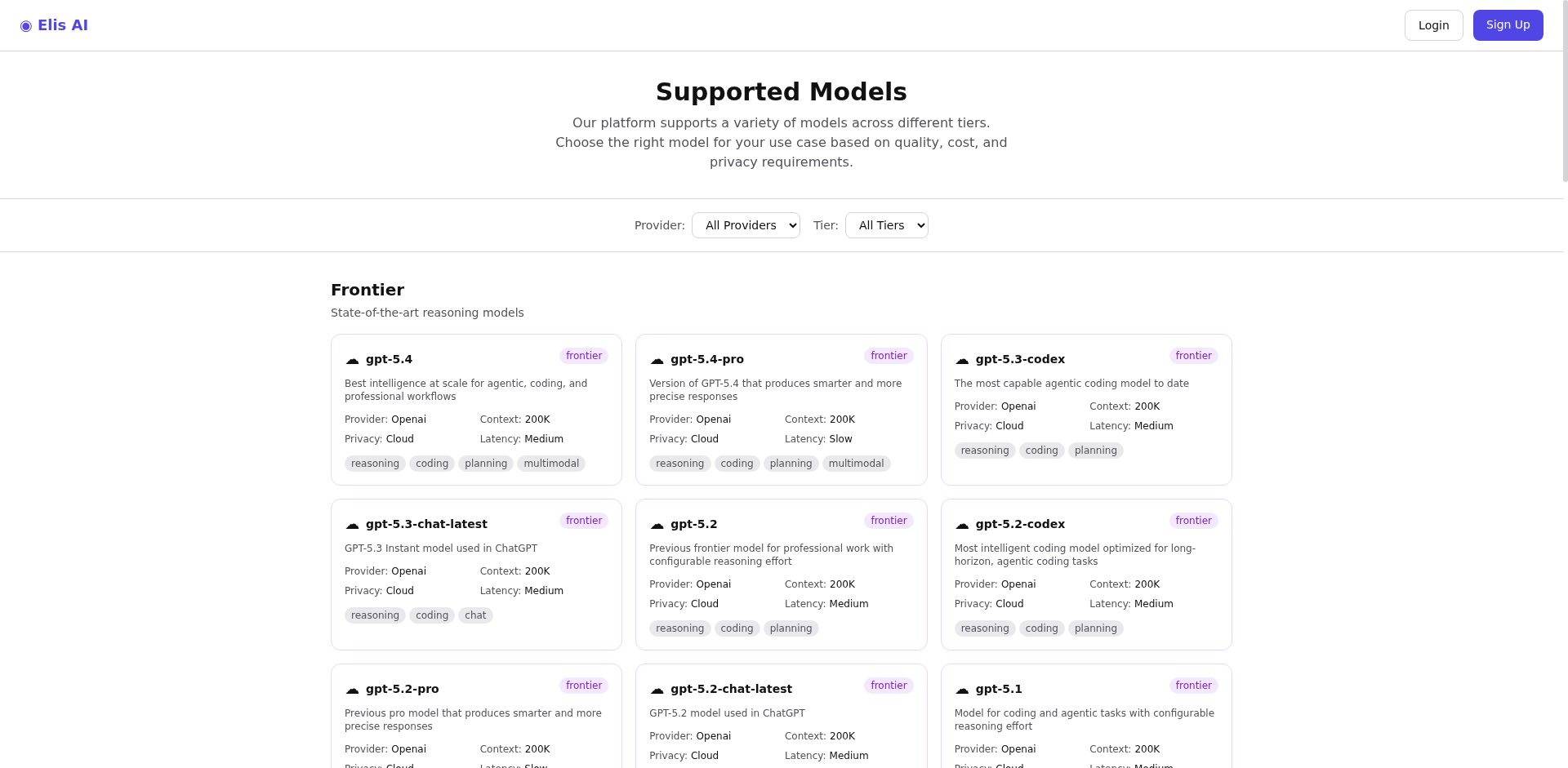
Navigate to Models
Click Models in the sidebar to open the model directory.
2
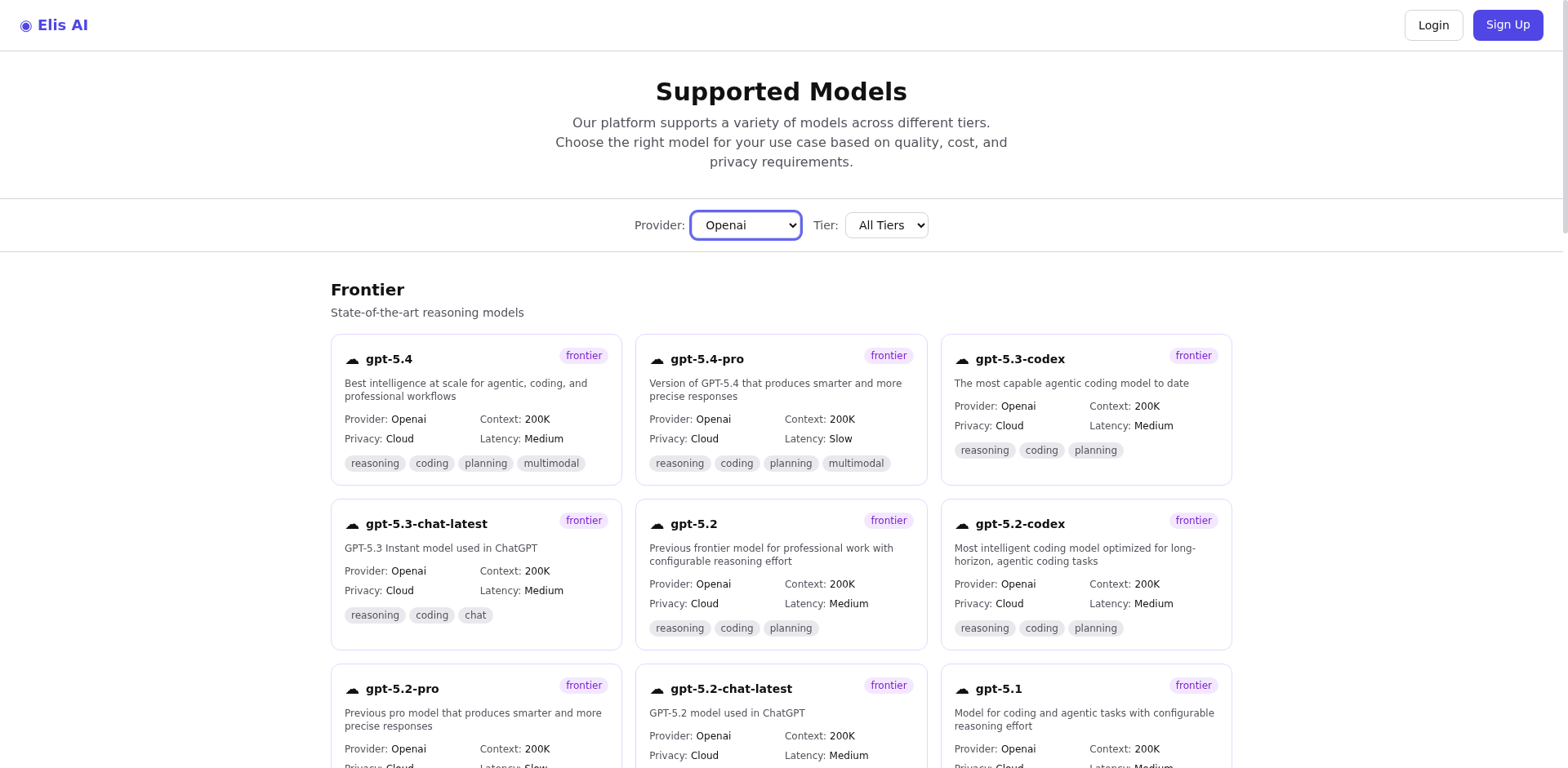
Filter models
Use the search bar and filters to narrow by provider, tier, or capability. You can filter by GPU requirements, context window, and more.
3
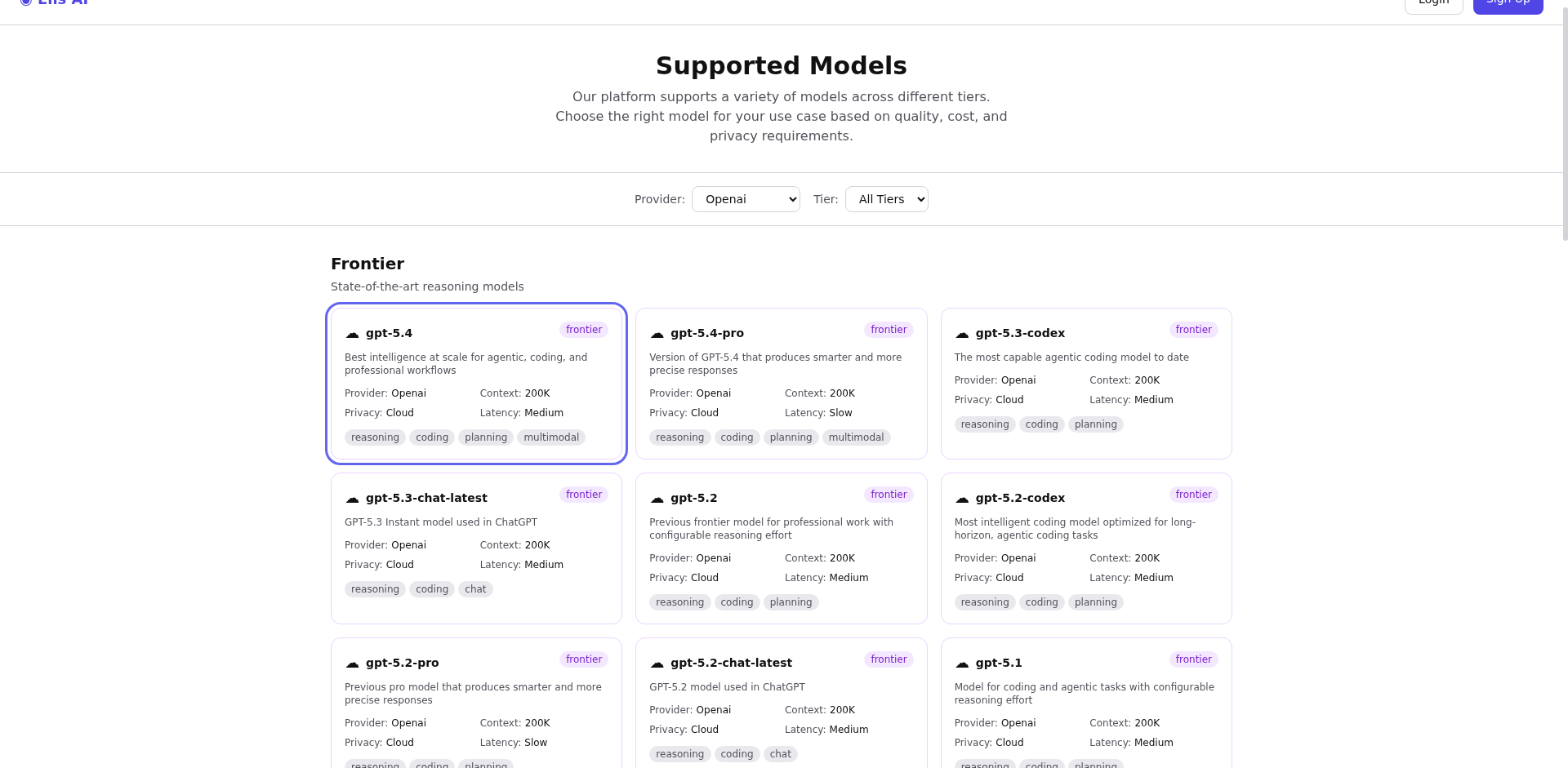
View model details
Click on a model to see its full specifications: parameter count, context length, supported tasks, and current availability (how many miners host it).
Tip:Models with more active miners have higher availability and lower latency. The model directory shows live miner counts.