Tutorial
Accepting Invitations
View and respond to pending organization invites.
1
Check your invitations
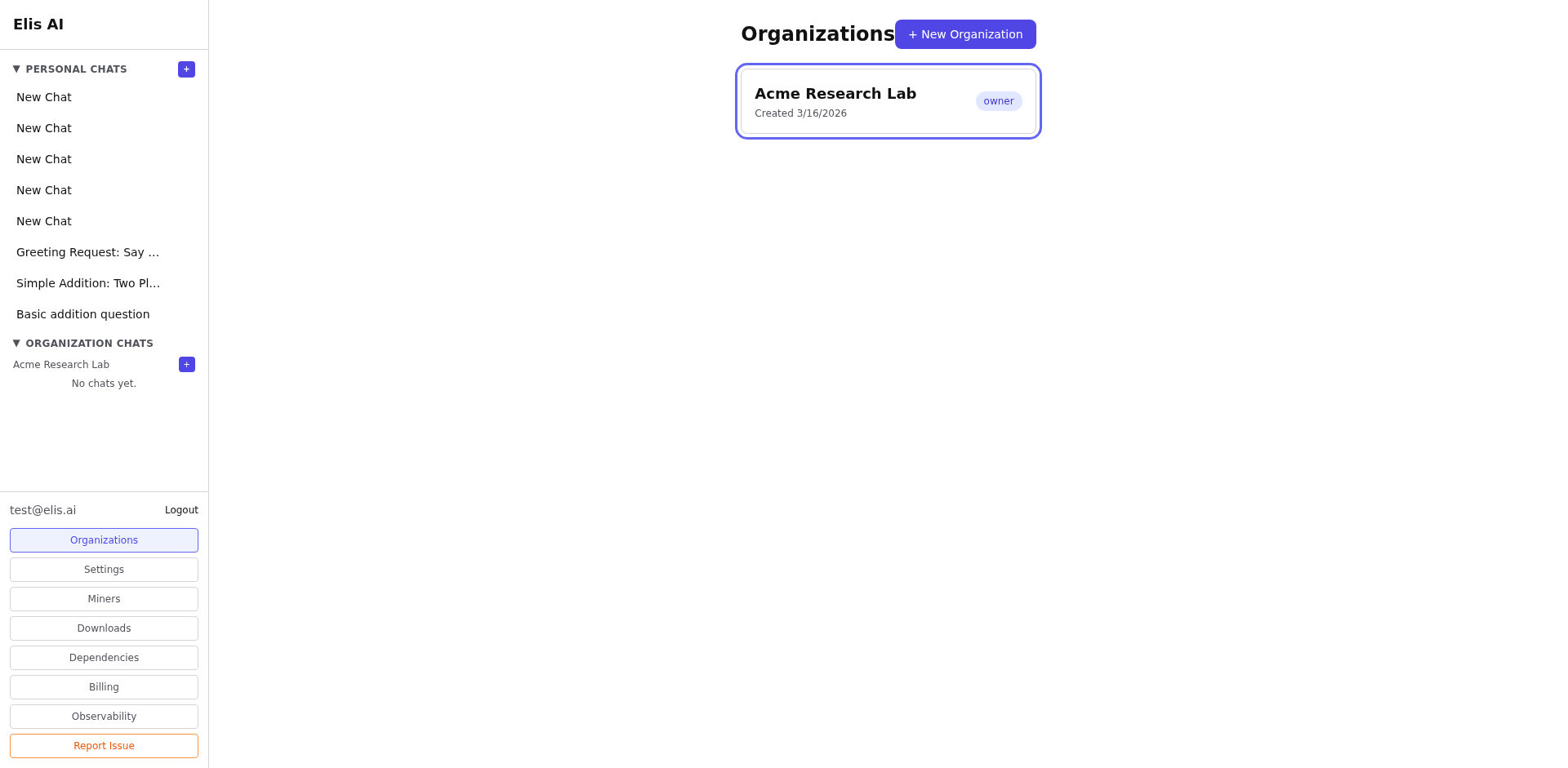
Navigate to Organizations. Pending invitations appear at the top of the page in a highlighted banner.
2
Review the invitation
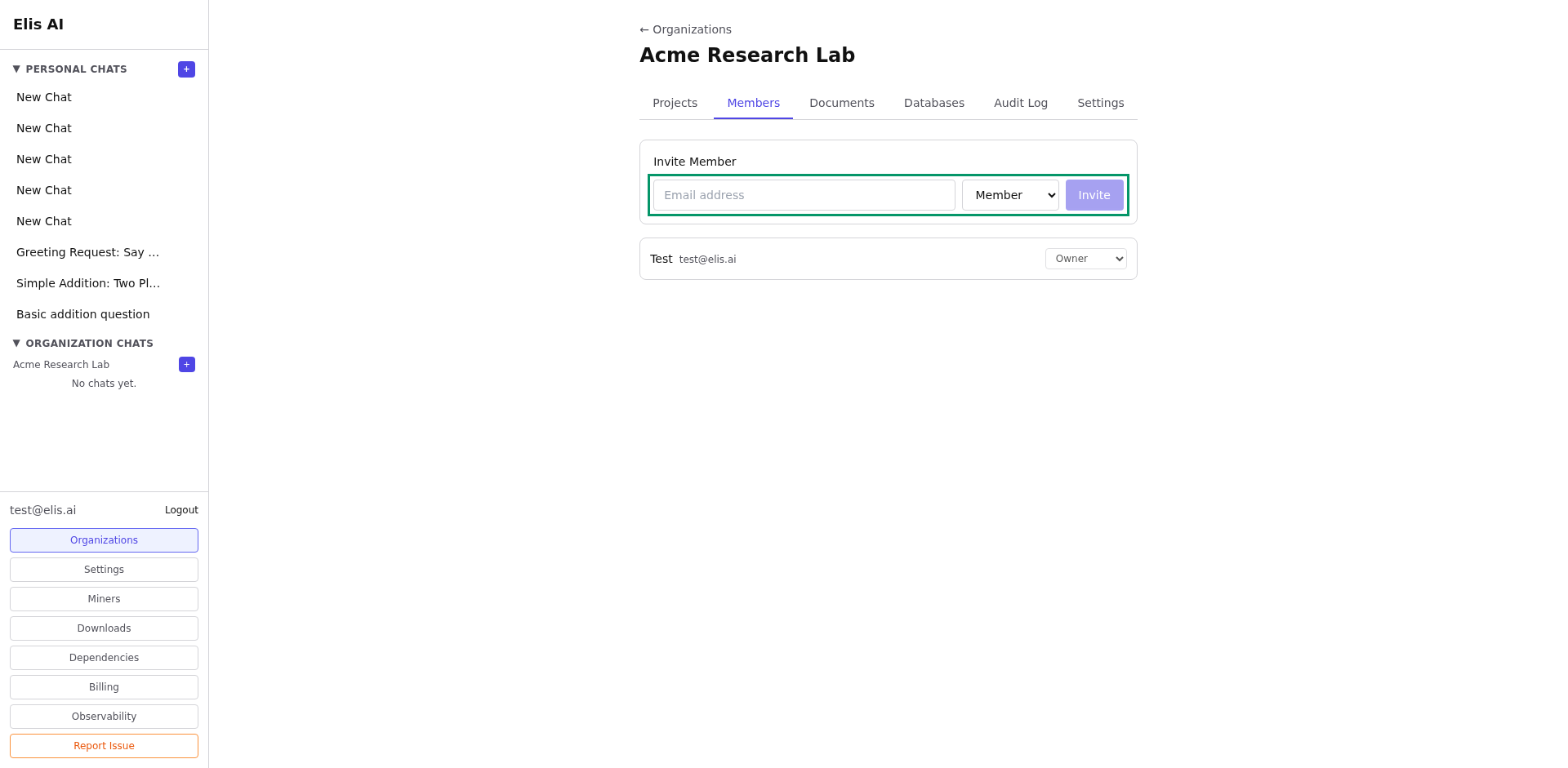
Each invite shows the organization name, who invited you, and what role you'll have if you accept.
3
Accept or decline
Click Accept to join the organization with the assigned role, or Decline to dismiss the invite.
Tip:After accepting, the organization and all its resources appear immediately in your sidebar. You don't need to re-login.